Newest4Online Stores
Etsy vs Shopify for makers: the fees and when to use both
Etsy’s fees and Shopify’s added up at $5,000, $20,000 and $60,000 a year in sales, then what fees don’t show: buyers, your shop’s look and a list to email.
GuidesAll eight chapters
Newest first. Each guide names the one thing to check before you pay, and says when the free theme or the free plan is enough.
10 guides
Newest4Online Stores
Etsy’s fees and Shopify’s added up at $5,000, $20,000 and $60,000 a year in sales, then what fees don’t show: buyers, your shop’s look and a list to email.
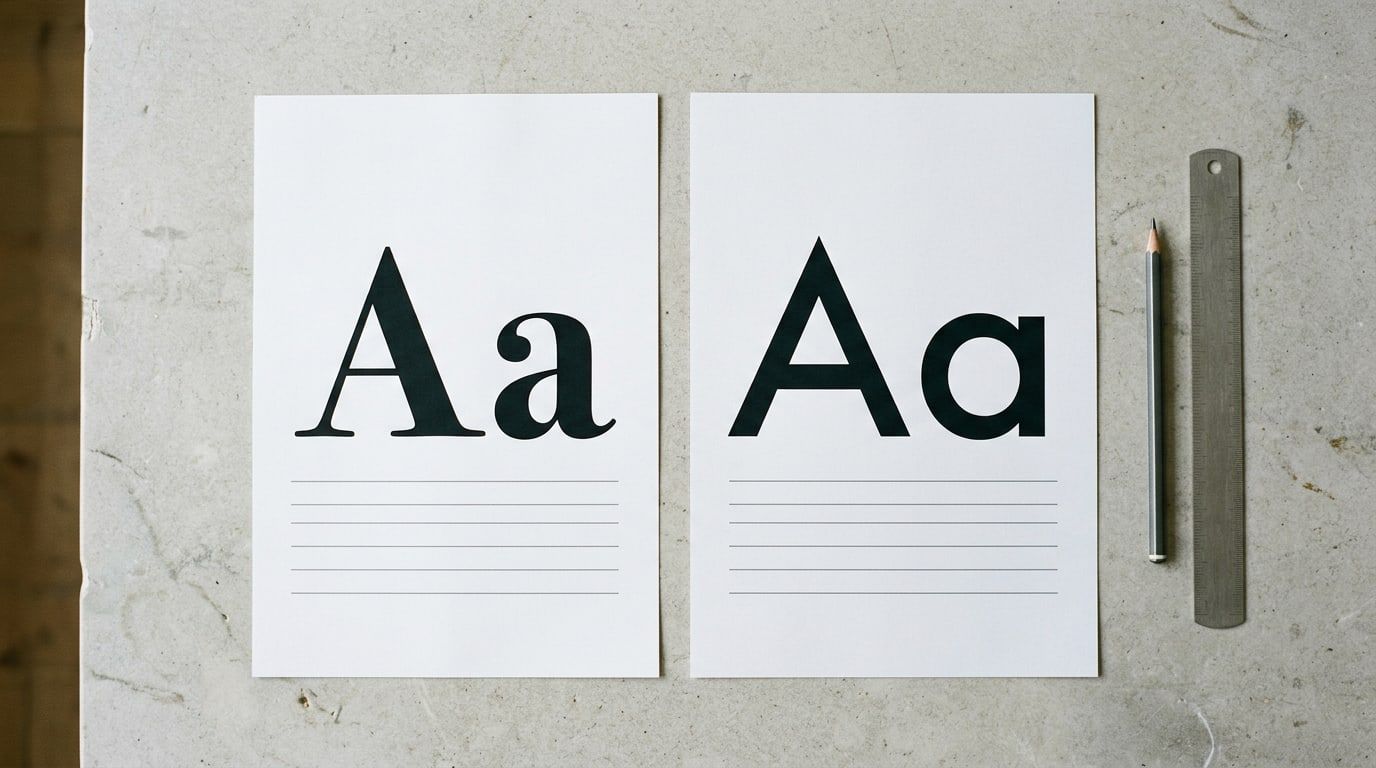
Choose a body font for reading and a heading font for the feel, set the sizes, then test both on your own homepage. Eight free Google Fonts pairs to start.
What a site you build yourself costs a year on Squarespace, Wix, Shopify or WordPress, line by line, in year one and once the first-year discounts end.
Pick a background, a text color and one accent from what your business already looks like, check each pair for contrast, then set them once in your theme.
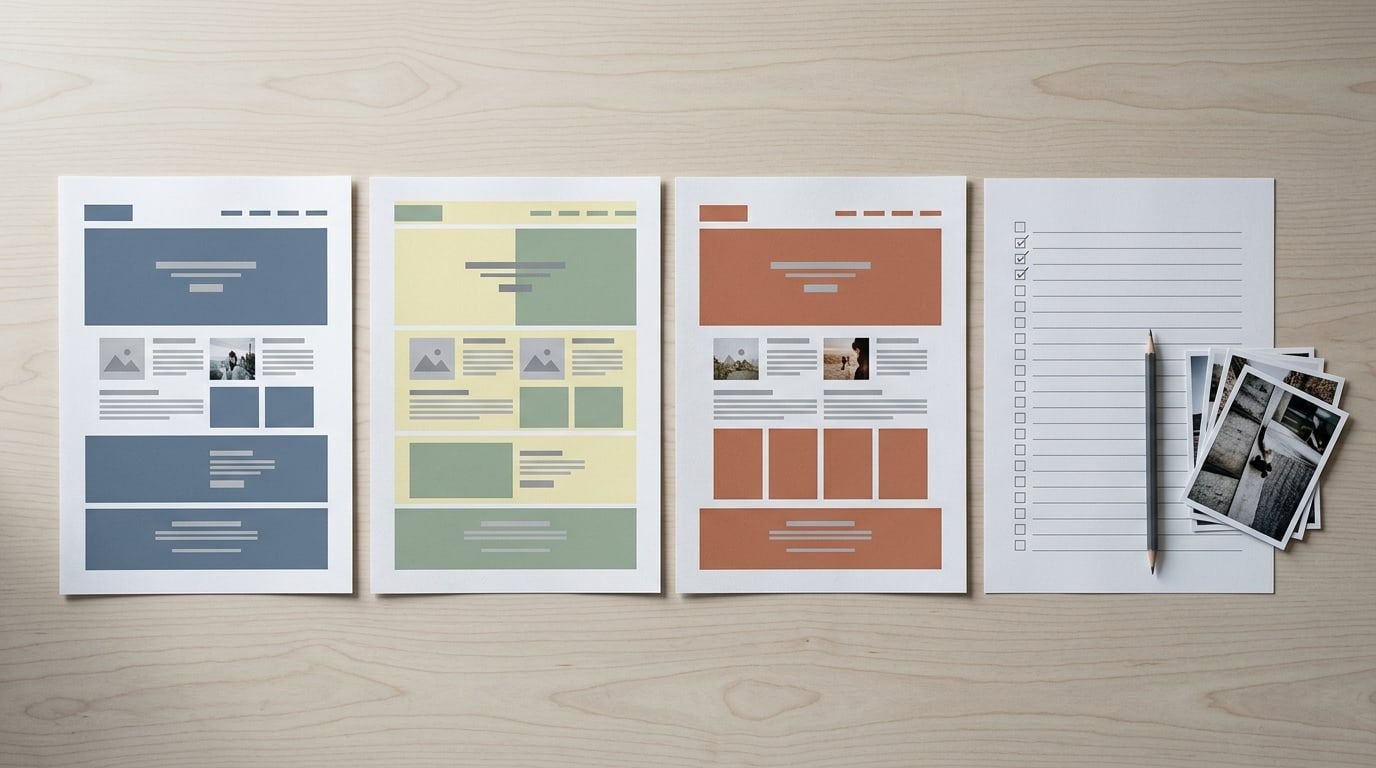
Choose a website template by its look, then test it with your own photos and your longest page, open it on your phone and add up what year two costs.
The launch-week steps to get a new site on Google: the setting that hides it on each platform, Search Console, your sitemap, and how long to wait.
A new theme leaves your posts alone but can scatter menus, widgets and CSS. Back up, list what the old theme does, preview with your content, then switch.
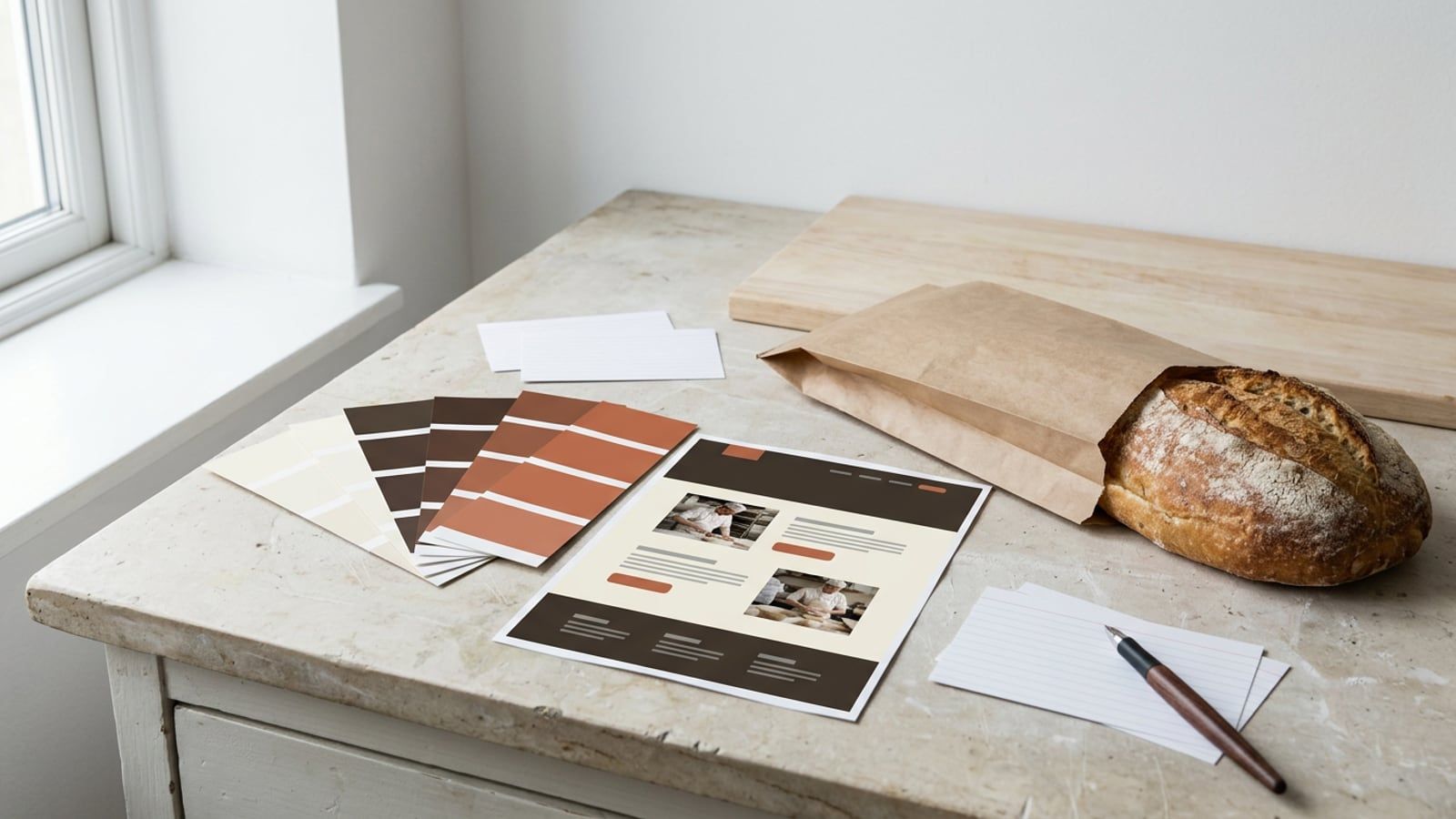
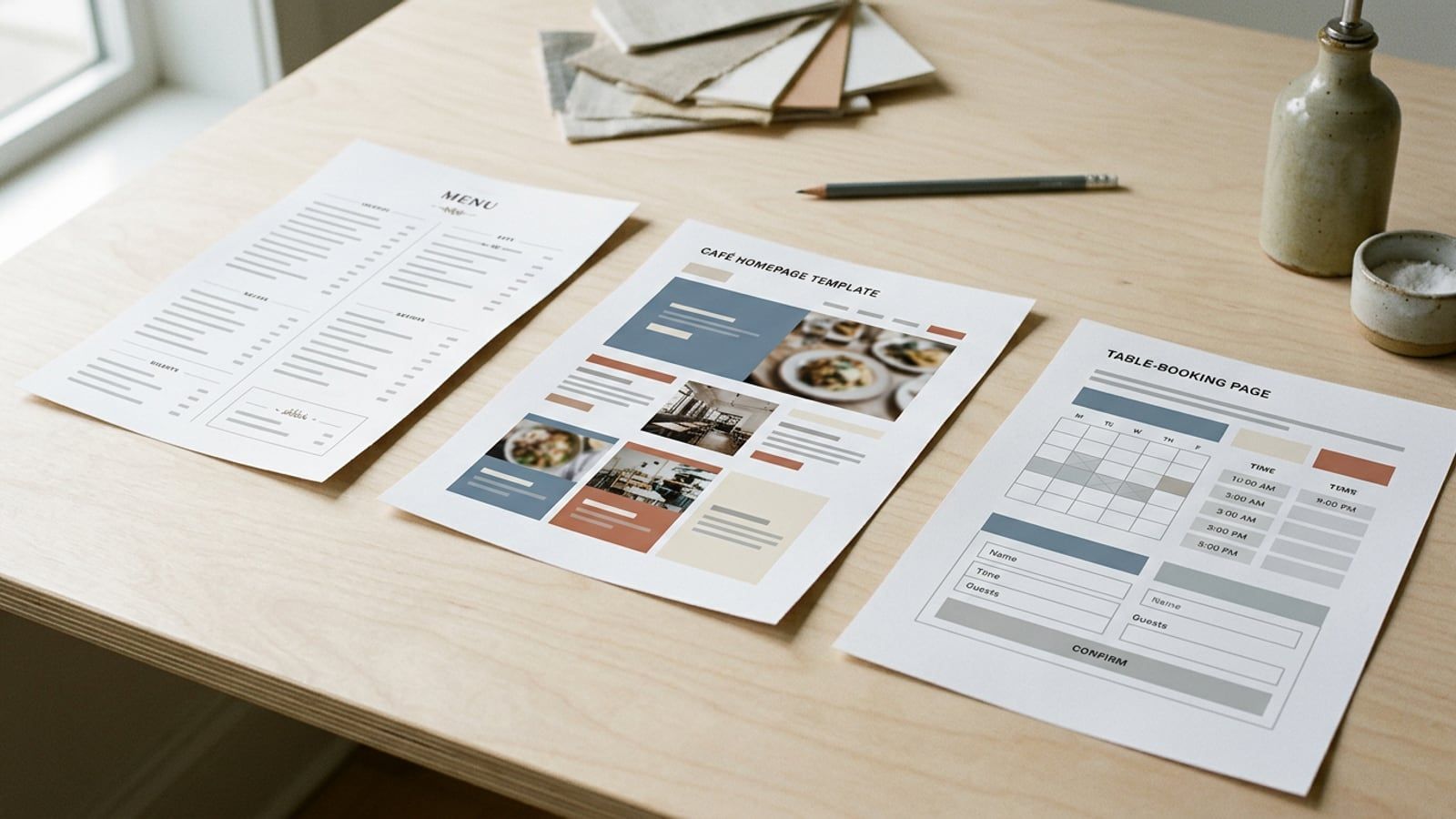
Five restaurant, café and bakery templates on Squarespace, Wix and WordPress, with what each costs a year after the intro offers and the catch with bookings.
Squarespace suits a tidy site you set up and leave; Wix suits moving things anywhere and taking bookings. The yearly bills, the fees and what you can’t undo.
Same software, two ways to run it: which WordPress.com plan runs the theme you want, what each route costs a year, and who does updates, backups and security.