Restaurant website templates: 5 picks and their yearly cost
Five restaurant, café and bakery templates on Squarespace, Wix and WordPress, with what each costs a year after the intro offers and the catch with bookings.
In short
Hill on Squarespace is the calm, leave-it-alone pick at about $250 a year after the first, and the Coffee House starter site for WordPress’s free Astra theme costs least, at about $150. Choose Loam for a bakery taking pickup orders, Divi Restaurant for a menu laid out like the printed one, and Wix’s Restaurant (Classic) for table booking built into the site.
The five picks at a glance
| Pick | Platform and plan | Feel | Year one | Every year after | Bookings and orders | Where to buy |
|---|---|---|---|---|---|---|
| Hill | Squarespace, Basic | Calm and minimal | About $230 | About $250 | A button to the booking service you use | See the Hill demo |
| Loam | Squarespace, Basic | Bold and modern; warm and friendly | About $230 | About $250 | Pickup orders built in; 2% fee per sale on Basic | See the Loam demo |
| Coffee House | WordPress, free Astra theme, shared hosting | Warm and friendly | About $50 | About $150 | Buttons only: add a booking or ordering service | See the Coffee House demo |
| Divi Restaurant | WordPress, Divi theme, shared hosting | Classic and elegant | About $140 | About $240 | A reservation button to connect to a service | See the Divi demo |
| Restaurant (Classic) | Wix, Light | Classic and elegant | About $200 | About $220 | Table booking built in; Core plan to take payment | See the Wix template |
The best restaurant website template puts your menu, your hours and a way to book or order one tap from the homepage, at a yearly cost you can still carry once the intro offers end. Of the five picks here, Hill on Squarespace is the calm, leave-it-alone choice at about $250 a year after the first; the Coffee House starter site for WordPress’s free Astra theme costs least, at about $150; Loam suits a bakery taking pickup orders; Divi’s Restaurant pack sets the menu out like the printed one; and Wix’s Restaurant (Classic) has table booking built in. They are the entries in Theme Match’s list for restaurants, cafés and bakeries, judged from each maker’s live demo and pricing page, not from sites built with them, so open each demo on your phone before you decide.
What a restaurant website has to do
People open a restaurant’s website with four questions: what’s on the menu, are you open, where are you, and can I book or order? Whichever template you choose, its homepage needs:
- Hours, written as text near the top, and changed the day they change for a holiday.
- The address, linked to a map, and a phone number that dials when tapped.
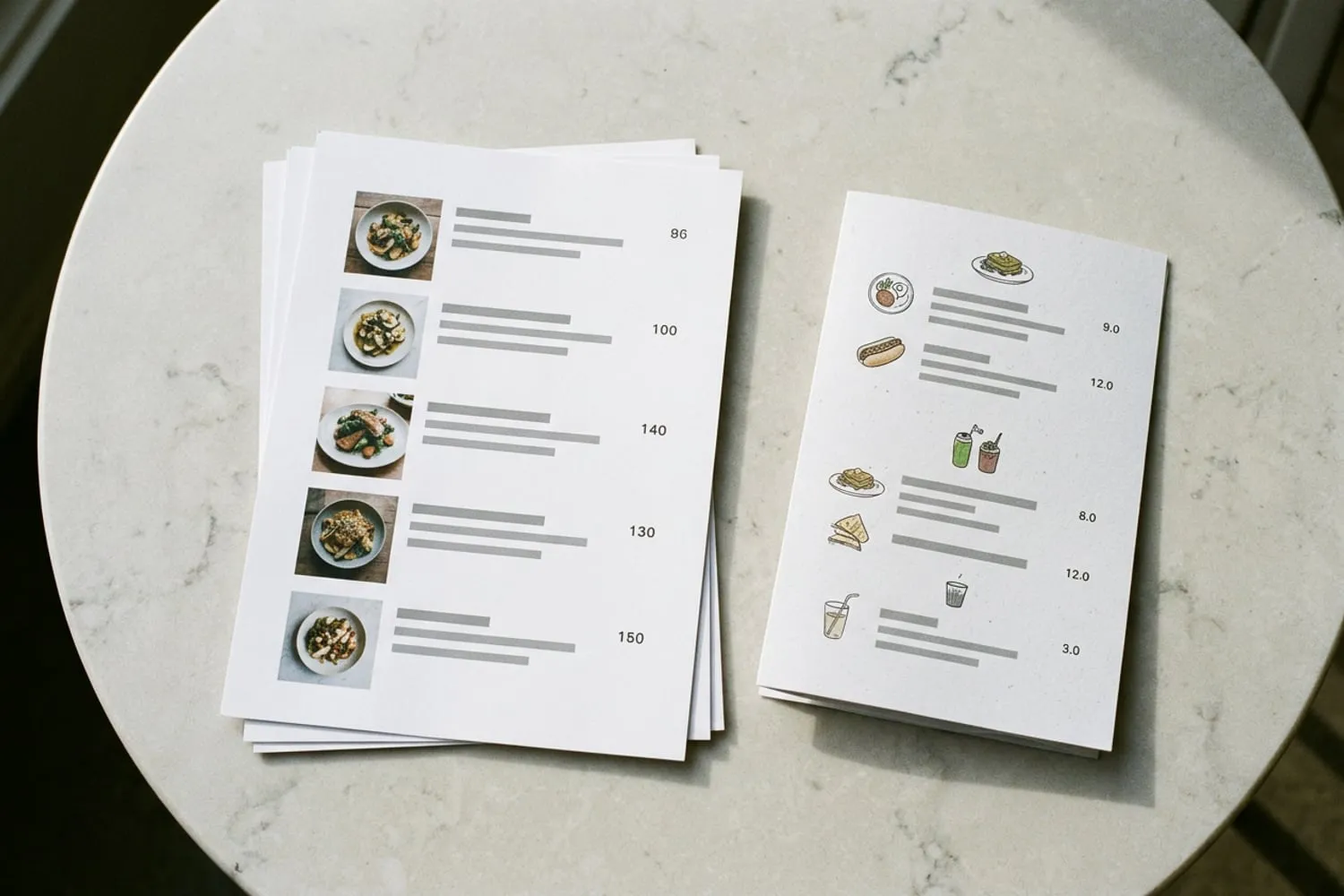
- The menu as a web page, not only a PDF (the questions at the end say why).
- One main button: Book a table, Order or Call, whichever you most want people to do.
- Your own photographs of the food and the room, taken in good light.
The same details belong in your Google Business Profile, the listing that shows your restaurant in Google Search and Maps; Google’s guide for restaurants covers the hours, the menu editor, and booking and ordering links. When the hours change, change both the same day. Getting the site itself into search results is a separate job: how to get your new website on Google.
Hill: calm and minimal on Squarespace
Hill is a ramen restaurant’s demo that opens on a single sentence (“Authentic Japanese ramen, made entirely from scratch.”), two photographs and the chef’s story, and ends on “Stop right in.” with a Make a Reservation button. The navigation has four items: Menu, Our Story, Contact and Make a Reservation. The menu is a plain web page of dishes and prices under Ramen, Gyoza and Beverages, which is how a restaurant menu should be.
- Platform: Squarespace, Basic plan
- Suits: a restaurant with a short menu and good photographs, run by someone who wants the site tidy and then left alone
- Cost: about $230 in year one (the domain is free the first year), about $250 every year after
- The catch: the Make a Reservation page in the demo is a stand-in page with no booking form. You link or embed the reservation service you use, such as OpenTable or Resy, and that service bills you separately. The menu is a page you edit by hand, so update it the day your prices change.
Loam: a bakery that takes pickup orders
Loam is a bakery’s demo: a photograph of stacked loaves, the line “Our bread philosophy is balance.”, two featured bakes, a “Behind the Kitchen” section that leads to a recipe blog, and a photo gallery. Its Order page is a working Squarespace store, with loaves, pastries and a gift card, each with its price, and filters for breads and pastries. The navigation reads Order, Menu, About, Blog and Contact.
- Platform: Squarespace, Basic plan
- Suits: a bakery, roaster or deli selling things people collect, with a blog for recipes or news
- Cost: about $230 in year one, about $250 every year after
- The catch: on Basic, Squarespace’s pricing page lists a 2% fee on each product sale, on top of card fees. Core drops it for about $120 more a year, which pays for itself once orders pass about $500 a month. Squarespace’s local pickup also can’t let customers choose a pickup time; for restaurant pickup and delivery, Squarespace points to its integrations with ChowNow or Tock, which are separate services.
Coffee House: the low-cost start on WordPress
Coffee House is a café starter site for Astra, a free WordPress theme from Brainstorm Force. (A starter site is a ready-made demo you import into WordPress and then make your own.) Its homepage has an Order Online button in the header, a welcome with a Book a table button, an About section, a Featured Menu of four coffees with their prices, a reviews section, a “Buy For Home!” block with an Order Now button, and a photo grid. The navigation is Home, About, Menu and Contact.
- Platform: WordPress with the free Astra theme, on shared hosting
- Suits: a café on a tight budget, run by someone happy to keep up with WordPress’s updates and backups
- Cost: about $50 in year one, about $150 every year after. The jump is the hosting, about $48 at the intro price and about $132 a year after, plus a domain at about $20 once its free year ends.
- The catch: Book a table and Order Online are only buttons, and in the demo they link nowhere. Taking bookings or orders needs a booking service or an ordering plugin you add yourself. The reviews section comes with a sample 4.8 out of 5 rating and two testimonials: replace them with real ones, or delete the section.
Divi Restaurant: a menu that reads like the printed one
Divi is a WordPress theme and visual builder from Elegant Themes, and its Restaurant layout pack gives you eight ready-made pages: home, landing, about, team, gallery, shop, blog and contact. The home page opens on “Only Quality Food”, then sets dishes out with their prices like a printed menu, with a Full Menu button, and follows with testimonials, the opening hours, a Make a Reservation button, a contact block and a newsletter sign-up.
- Platform: WordPress with the Divi theme, on shared hosting
- Suits: a restaurant after a classic, elegant look, run by someone who enjoys moving sections around in a visual builder
- Cost: about $140 in year one (hosting at the intro price and Divi at $89 a year), about $240 every year after (hosting, the domain and Divi)
- The catch: if you stop paying the $89 a year, Elegant Themes says you can keep using Divi, but updates and support stop; the one-time $249 license avoids the renewal and pays for itself in the third year. Pages built in Divi’s builder don’t move cleanly to another theme, so treat it as a choice for years. The demo’s testimonials are samples signed with Elegant Themes’ own product names, and the reservation button still needs a booking service behind it.
Restaurant (Classic): table booking built into Wix
Restaurant (Classic) is a Wix template that comes with Wix’s Table Reservations and Menus apps already in place, so guests read the menu and book a table without leaving your site.
- Platform: Wix, Light plan
- Suits: a restaurant that wants online booking on its own site rather than through a separate reservation service
- Cost: about $200 in year one (the domain is free the first year), about $220 every year after
- The catch: Wix Table Reservations needs an upgraded site: without a paid plan, guests can’t book a table themselves and you can only add reservations by hand. Taking money online, for orders, deposits or gift cards, needs a plan that accepts payments, which is Core, about $145 a year more than Light. And Wix doesn’t let you switch templates once the site exists, so be sure of the look first.
Menus, bookings and online orders: what each adds to the bill
The yearly figures above cover the plan or hosting, the domain and the theme. Here is what the three restaurant jobs add.
| Template (plan) | Menu | Table booking | Online orders |
|---|---|---|---|
| Hill (Squarespace Basic) | A page you edit, included | Your booking service, billed by it | Squarespace’s store with a 2% fee, or ChowNow or Tock |
| Loam (Squarespace Basic) | A page you edit, included | Your booking service, billed by it | Built in for pickup; 2% fee on Basic, none on Core |
| Coffee House (WordPress) | A page you edit, included | A booking plugin or service you add | An ordering plugin or service you add |
| Divi Restaurant (WordPress) | Laid out like print, included | A booking plugin or service you add | A store or ordering plugin you add |
| Restaurant (Classic) (Wix Light) | Wix Menus app, included | Wix Table Reservations, on a paid plan | The Core plan, about $145 a year more |
Card fees come out of every online payment whichever route you take, and a booking or ordering service’s own bill comes on top. Three things follow:
- If you already use a reservation service, keep it. Every one of these templates can link to it; where the button points matters more than the template.
- If you don’t take bookings now, don’t pay for them yet. A phone number that dials when tapped is a fine start.
- If you sell for pickup on Squarespace, count your monthly orders first. Below about $500 a month, Basic’s 2% fee costs less than the step up to Core.
Making the template look like your place
A template becomes your restaurant only once the demo is gone. Before launch:
- Replace every demo photograph with your own: the dishes, the room, the people who cook. Daylight by a window beats a flash.
- Take your colors from the place itself: the paint, the tiles, the sign, the menu card.
- Choose two fonts, one for headings with the feel of your sign and a plain one for reading; font pairing for websites shows how.
- Rewrite every line of demo text, and delete sample reviews, ratings and figures.
- Put the hours, address and phone number in the footer, so they’re on every page.
- Check it on your phone the way a hungry customer would: the menu, the hours and the booking button, each one tap from the homepage.
For other kinds of business, the Themes section has roundups by kind of site, and how to choose a website template has the full checklist. The builders, WordPress themes and hosts named here are on our Tools page, each with its price after the first year.
Questions
Should my menu be a PDF or a page on the site?
A page. Text on a web page fits a phone screen without pinching and zooming, works with screen readers, and takes a minute to update when a price changes. A PDF opens at print size on a phone, and every change means making and uploading a new file. If guests ask for a copy to print, add the PDF as a link under the page.
Which website builder is best for a restaurant?
It depends on how you take bookings and orders. Squarespace suits a place that wants a tidy site linking to a booking service it already uses, Wix suits one that wants table booking on its own site, and WordPress costs the least each year if you’ll keep up with its updates. Start from the template whose demo already looks like your place, then check the plan it needs.
Do I need online ordering on my restaurant’s website?
Only if you take pickup or delivery orders now, or want to start. If people order by phone, a number that dials when tapped is a fine beginning. Once you add ordering, count what it costs: a 2% fee on each sale on Squarespace Basic, the Core plan on Wix, or a plugin or service of its own on WordPress, with card fees on top of each.
How much does a restaurant website cost a year?
For the five templates here, about $50 to $230 in the first year and about $150 to $250 every year after, counting the plan or hosting, a .com domain and the theme. Not counted: card fees on orders, a reservation service’s own bill, paid plugins and apps, and a higher plan if you take payments, such as Squarespace Core at about $120 more a year or Wix Core at about $145 more.
Sources
- Get started with a Business Profile for your restaurant, Google Business Profile Help
- Add local pickup and delivery to your online store, Squarespace Help Center,
- Wix Restaurants: Adding and Setting Up Wix Table Reservations, Wix Help Center
- Wix Restaurants: An Overview, Wix Help Center