Contents5 of 8
Chapter 5
Web Design
Making a site look right without a designer: fonts, color, layout, photos and the small details, for owners doing it themselves.
Most good-looking small sites share a few plain habits: two fonts at most, one accent color used sparingly, plenty of white space, photos that look like the business, and a homepage that says what you do before anyone scrolls. This is the design side of a site, for owners who make those choices themselves.
Two places to start: font pairing for websites, a body font for reading and a heading font for the feel, and how to choose a color palette for your website, three colors with one job each, checked for contrast.
Guides in this chapter
2 guides
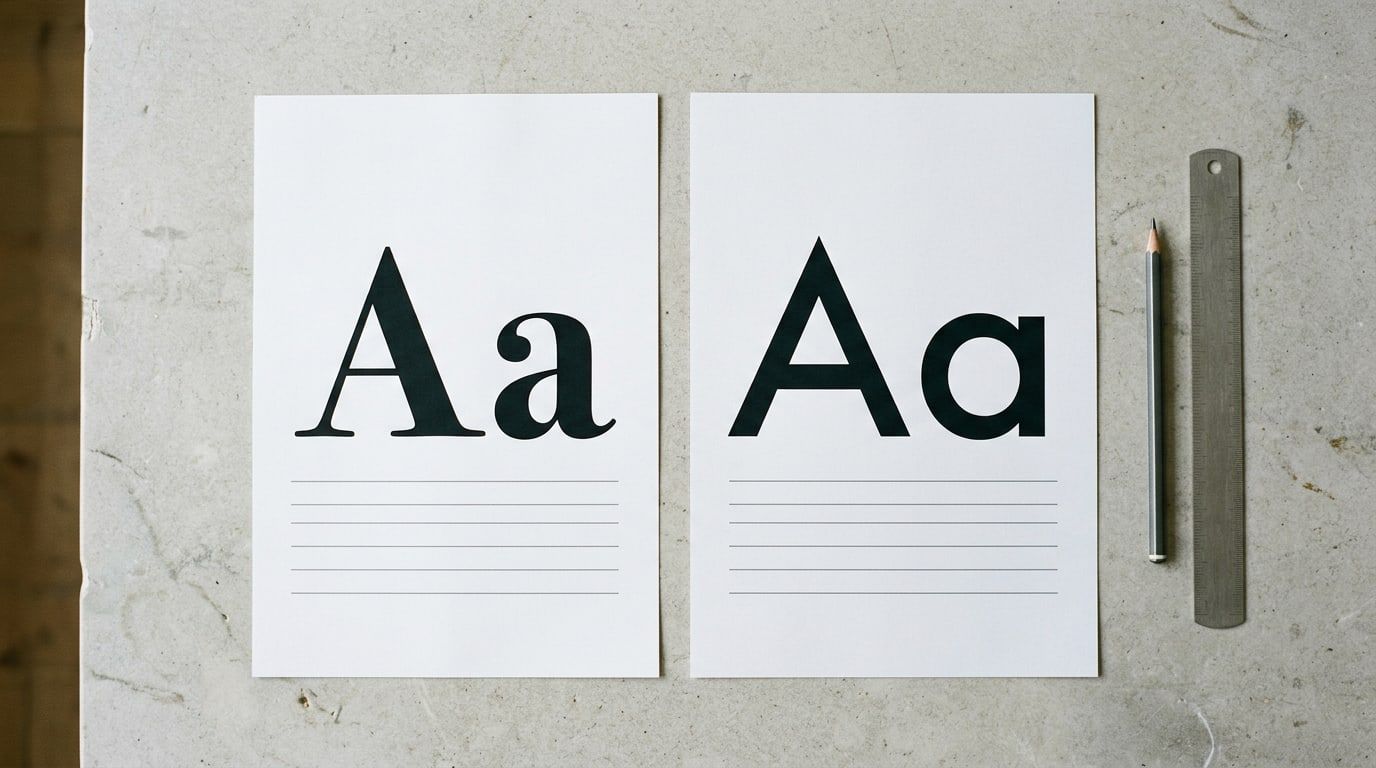
Font pairing for websites: how to choose two fonts
Choose a body font for reading and a heading font for the feel, set the sizes, then test both on your own homepage. Eight free Google Fonts pairs to start.
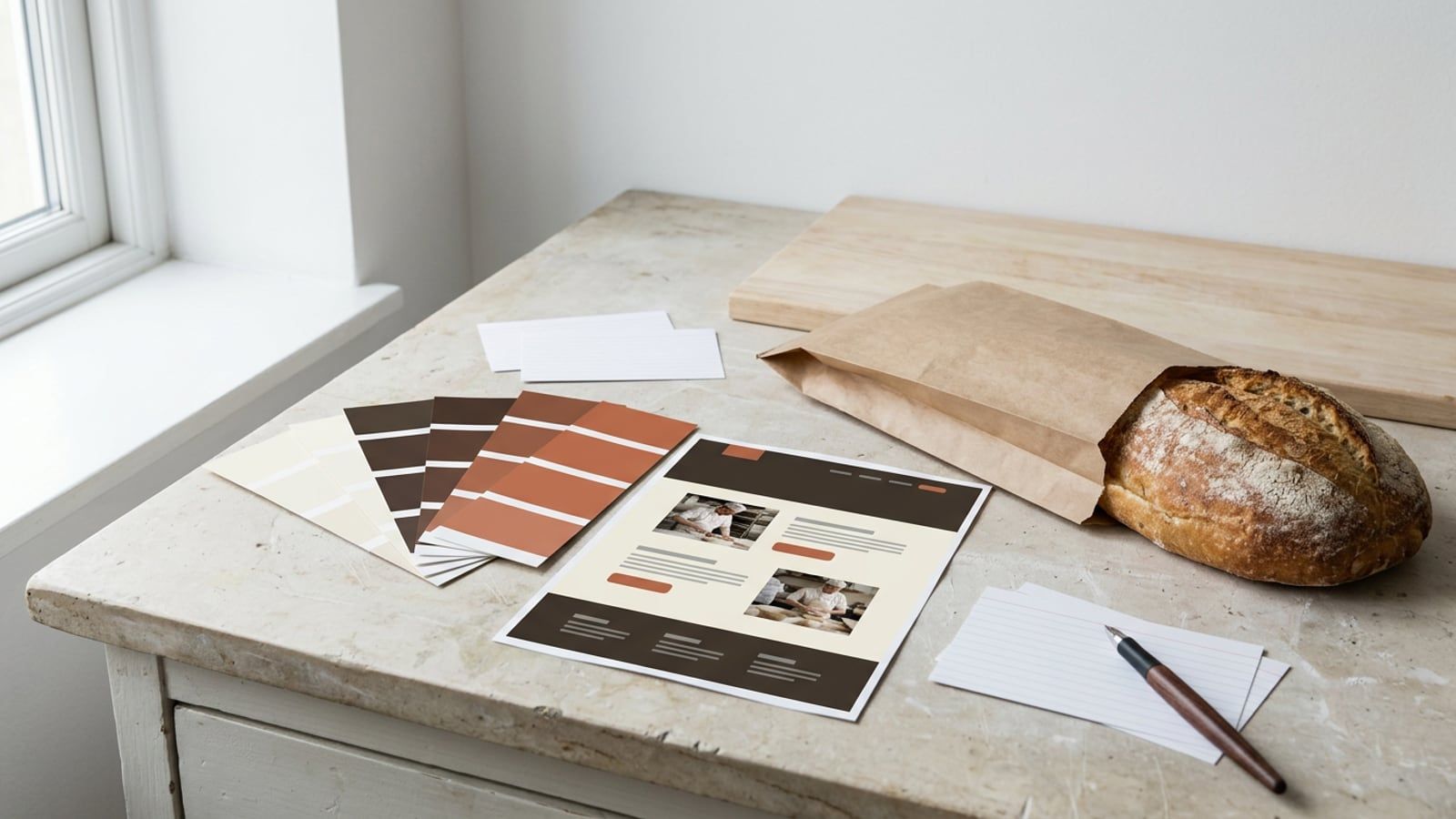
How to choose a color palette for your website
Pick a background, a text color and one accent from what your business already looks like, check each pair for contrast, then set them once in your theme.