GuidesChapter 2 · Website Builders
Squarespace vs Wix: which suits your first website?
Squarespace suits a tidy site you set up and leave; Wix suits moving things anywhere and taking bookings. The yearly bills, the fees and what you can’t undo.
In short
Choose Squarespace for a calm, tidy site you set up once and mostly leave alone, and Wix if you want to place things freely or take bookings and payments on one plan. Both cost about $200 to $350 in the first year and about $20 more every year after, and on Wix the template you start with is the one you keep.
Choose Squarespace if you want a calm, tidy site that you set up once and mostly leave alone, especially one built around photographs. Choose Wix if you like placing things exactly where you want them, or you need clients to book and pay on the site under one plan. On yearly billing, both cost between about $200 and $350 in the first year and about $20 more every year after, when the free domain year ends. The one choice you can’t take back is the template: on Wix, the template you start with is the one you keep. So pick the look first, then check the rest.
Squarespace and Wix side by side
Prices are US dollars on yearly billing as of October 2026.
| Squarespace | Wix | |
|---|---|---|
| How you edit | Pages built from sections; blocks snap to a grid inside each | Drag any element to any spot on the page |
| Cheapest plan | Basic, $19 a month ($228 a year) | Light, $17 a month ($204 a year) |
| Cheapest plan that takes payments | Basic, with a 2% Squarespace fee on product sales | Core, $29 a month ($348 a year) |
| Appointments | Squarespace Scheduling, a separate subscription | Wix Bookings, included from Core |
| Free plan | None; a 14-day trial with no card needed | Yes, with Wix branding and a Wix web address |
| A new look later | Restyle the site you have; every template has the same features | A new site: templates can’t be swapped |
Start with whose templates look like your site
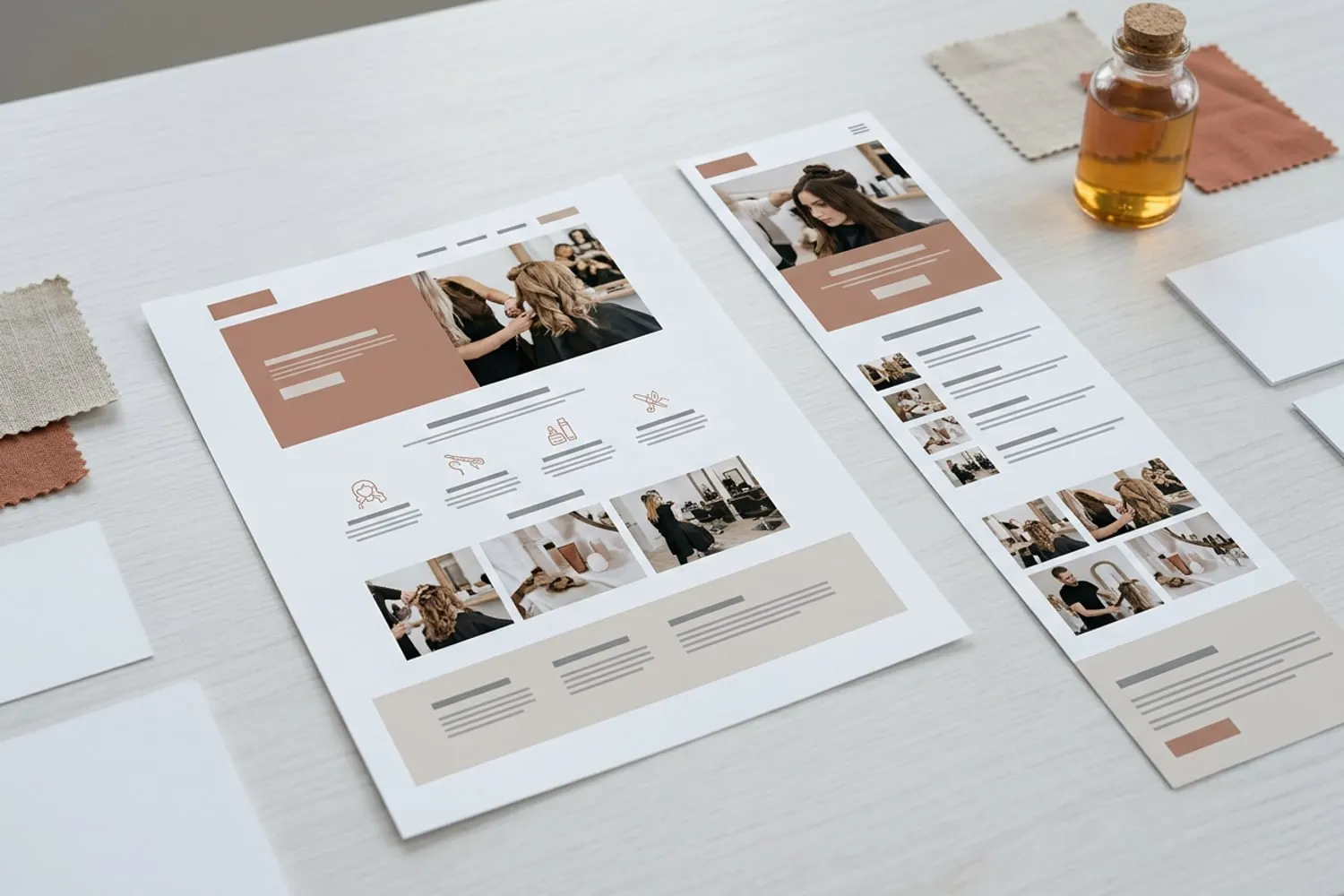
Before you compare plans, open both template galleries and look for your kind of site: a café, a salon, a portfolio, a small shop. Wix says it has more than 2,000 templates, sorted by type (one page, eCommerce, portfolio and CV, blog) and by industry, from Restaurants & Food to Beauty & Hair. Squarespace’s templates lean toward large photographs, plenty of white space and careful type; Wix’s cover a wider range, from quiet to loud, and many come with an app already in place, such as table reservations for a restaurant or appointment booking for a salon.
Whichever gallery has three or four templates that already feel like your business is probably your platform. Then picture each one with your own photographs and your longest page of text instead of the demo’s. Our checklist on how to choose a website template walks through that test and the others worth doing before you commit.
Editing: tidy sections or drag anywhere
The two editors feel very different, and you’ll live with yours every time you change a price or a photo.
Squarespace: sections on a grid
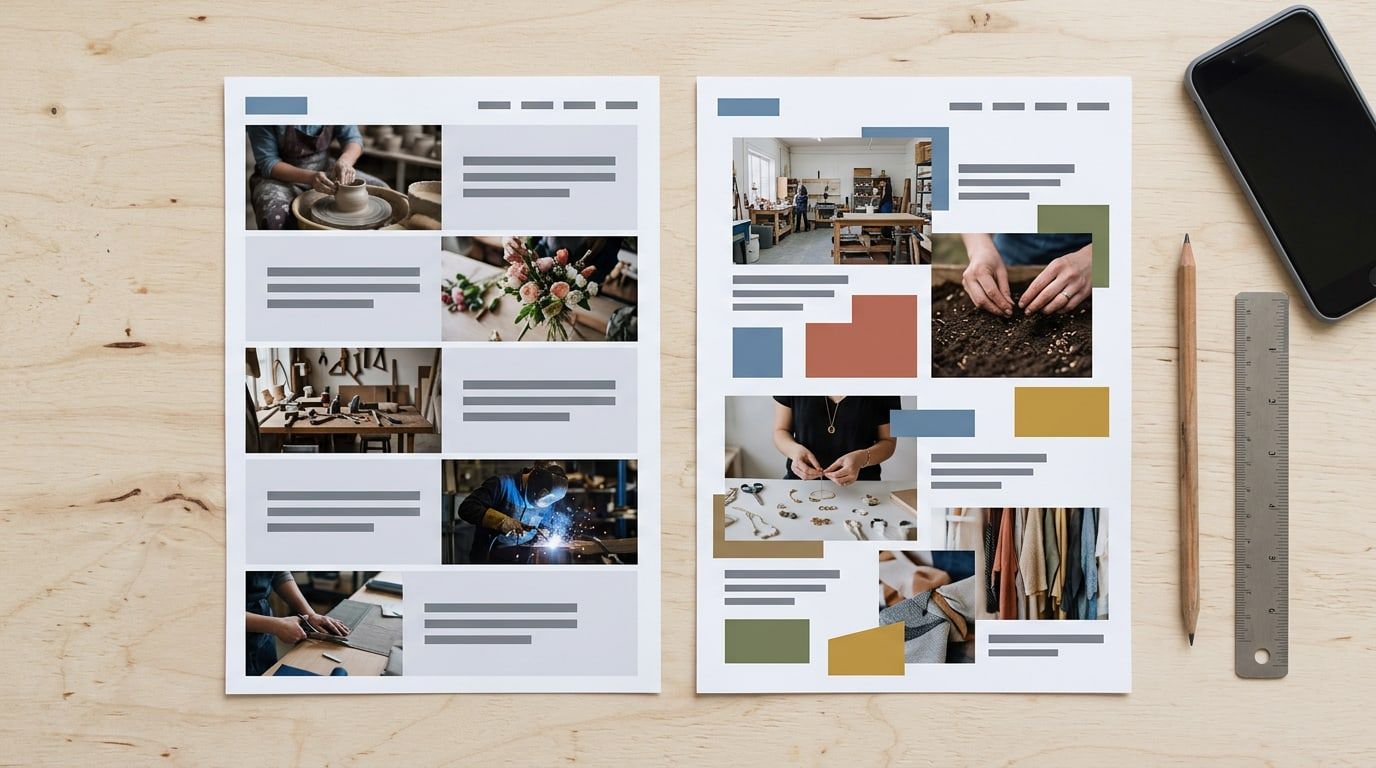
A Squarespace page is a stack of sections, one on top of another. You add a section from ready-made layouts, then drag text, pictures and buttons around a grid inside it, so things snap into line. Fonts, colors and button styles are set once for the whole site and apply everywhere. There’s a separate phone view where you can rearrange blocks for small screens without disturbing the desktop layout. It’s hard to make a Squarespace site look messy, and hard to do anything the grid doesn’t allow.
Wix: a freeform canvas
The Wix Editor lets you drag any element anywhere: overlap a photo and a heading, nudge a button a few pixels, pin a badge to a corner. That freedom is why people who like to tinker choose Wix. The cost is that nothing keeps you tidy; items drift out of line unless you check. Wix creates the phone version for you, and you adjust it in a separate mobile editor, which hides elements that don’t suit a small screen. Check every page on your phone after big changes.
Both will draft a starting site from a few answers with AI. Treat that draft as a template: it still needs your words, your photographs and your colors.
What each costs in year one and after
Both builders include a domain free for the first year on yearly plans. After that, a .com costs about $20 a year, so year two always costs a little more than year one. Squarespace raised its US prices in July 2026, so older reviews quote lower figures; check Squarespace’s pricing page and Wix’s plans on the day you buy.
| Plan | Billed yearly | First year | Every year after | Takes payments |
|---|---|---|---|---|
| Squarespace Basic | $19 a month | about $230 | about $250 | Yes, with a 2% fee on products |
| Squarespace Core | $29 a month | about $350 | about $370 | Yes, no fee on products |
| Wix Light | $17 a month | about $200 | about $220 | No |
| Wix Core | $29 a month | about $350 | about $370 | Yes |
These are the plan and the domain, counted the same way Theme Match counts the cost. Paying month by month costs more on both. Not in the table: card fees of roughly 3% on every sale, email at your own domain, paid apps, and Squarespace Scheduling. For the whole bill, line by line, see how much a website costs per year.
Tip: build your homepage before you pay. Squarespace’s 14-day trial needs no card, and Wix’s free plan has no time limit, so put your own photos and words into the template you like and see if it still looks right.
Selling, bookings and memberships
This is where the cheapest plan stops being the cheapest.
Selling products
On Squarespace Basic you can sell straight away, but Squarespace takes 2% of each product sale on top of card fees. Core drops that fee for $120 more a year, which pays for itself once sales pass about $500 a month. On Wix, Light can’t take payments at all; Core is the cheapest plan that does, and Wix’s plans list no fee of its own on top of card processing.
Appointments and table bookings
Wix Bookings comes with Core and the plans above it: clients pick a service and a time, and can pay when they book. A free Wix site can list your services but can’t take bookings. On Squarespace, online booking is Squarespace Scheduling, a subscription billed separately from the website plan. If you already use a booking service, such as OpenTable or Resy for a restaurant, either builder can simply link a Book button to it.
Memberships, courses and downloads
Squarespace treats these as digital content and charges a fee on each sale: 7% on Basic and 5% on Core, on top of card fees. A coach who sells $2,000 of courses a year on Core pays Squarespace $100 for it. On Wix, selling memberships or class passes needs a plan that takes payments, Core or above.
Phones and search
Every template on both platforms adapts to phones, but adapts isn’t the same as looks right. On Squarespace, sections stack into one column and you can fine-tune the blocks in the phone view. On Wix, the freeform layout is the one most likely to need fixing on a small screen. Either way, open every page on your own phone before launch.
On search, ignore reviewers’ SEO scores. Both builders make a sitemap for you and let you set each page’s title, description and web address. Google’s SEO Starter Guide puts it plainly: there are no secrets that automatically rank a site first, and many website platforms handle titles and sitemaps for you. What decides it is the pages themselves: one page for each service you offer, with a clear title and the words your customers would search with.
Changing your mind later
On Wix, it isn’t possible to switch to a different template for a site you have already created. A new look means a new site: you copy pages and elements across, then move your plan and your domain to it. Wix lists the site’s theme, design and layout among the things that don’t transfer.
On Squarespace (version 7.1, the current one), there’s nothing to switch. Every site shares the same features and style options, so you change the look by restyling fonts, colors and sections on the site you already have.
Between the two there’s no importer. Squarespace’s guide to moving from Wix says products can come across as a spreadsheet file, but the layout, design and fonts can’t; everything else is rebuilt by hand, with redirects from the old page addresses. Compare that with WordPress, where changing themes keeps every post and page, as our guide to switching WordPress themes without breaking your site shows.
Which to choose for your kind of site
- Restaurant or café: Squarespace if the Book button can link to the reservation service you already use; Wix if you want table bookings on your own site, with Core when you take deposits or orders.
- Salon, studio or local service with appointments: Wix Core, which takes the booking and the payment under one plan.
- Photographer, artist or designer: Squarespace Basic. The templates are built around large pictures, and a portfolio rarely needs more.
- Coach or consultant: Squarespace Basic if all you need is a page and a link to book a call. If you’ll sell courses or memberships, add Squarespace’s 5% to 7% to your sums before you decide.
- Small shop: either Core plan. If the store is the business, look at Shopify too; it’s on our Tools page alongside both builders.
- You’ll change something every week and enjoy it: Wix.
- You want it finished and left alone: Squarespace.
The Website Builders section is where we compare builders for first-timers, always with the price after the first year.
Questions
Is Squarespace or Wix cheaper?
Wix’s Light plan is the cheapest at $204 a year billed yearly, about $220 a year once the domain renews, but it can’t take payments. Squarespace’s Basic plan costs $228 a year and can sell, with a 2% Squarespace fee on product sales. Once you need payments or bookings without that fee, both Core plans cost $348 a year, about $370 a year after the first.
Is Squarespace or Wix better for SEO?
Neither gives you an edge you could point to. Both make a sitemap for you and let you set each page’s title, description and web address. Google’s own starter guide says there are no secrets that rank a site first; what decides it is your pages: a clear page for each thing you offer, written in the words your customers search with.
Is Wix’s free plan enough for a business site?
Not for a business. A free Wix site carries Wix branding, lives at a Wix web address rather than your own domain, and can’t take payments or bookings. It is a good place to build your homepage and try a template with your own photos before you pay for anything.
Can I move my site from Wix to Squarespace?
Yes, but by rebuilding it, not importing it. Squarespace’s own guide to moving from Wix says products can come across as a spreadsheet file, while the layout, design and fonts can’t be imported. You recreate the pages, copy the words and pictures across, move your domain, and set up redirects from the old page addresses so links and search results still land somewhere.
Sources
- Squarespace pricing, Squarespace
- Plans and pricing, Wix
- Understanding Squarespace templates, Squarespace Help Center,
- Moving from Wix to Squarespace, Squarespace Help Center,