Contents1 of 8
Chapter 1
Themes
Themes and templates on every platform, sorted by kind of site and by look, for first-timers choosing the design their site starts from.
A theme decides how a site looks before you write a word: the header, the fonts, the colors, the layout of every page. Here themes are judged the way visitors meet them, demo first, then by their cost in year one and every year after, and by who they suit. Theme Match lives here too.
Start with how to choose a website template, a first-timer’s checklist from the demo to the year-two bill. For a restaurant, café or bakery, restaurant website templates prices five picks a year after the intro offers. Already on WordPress? How to switch WordPress themes without breaking your site covers the backup, the preview and the clean-up.
Guides in this chapter
3 guides
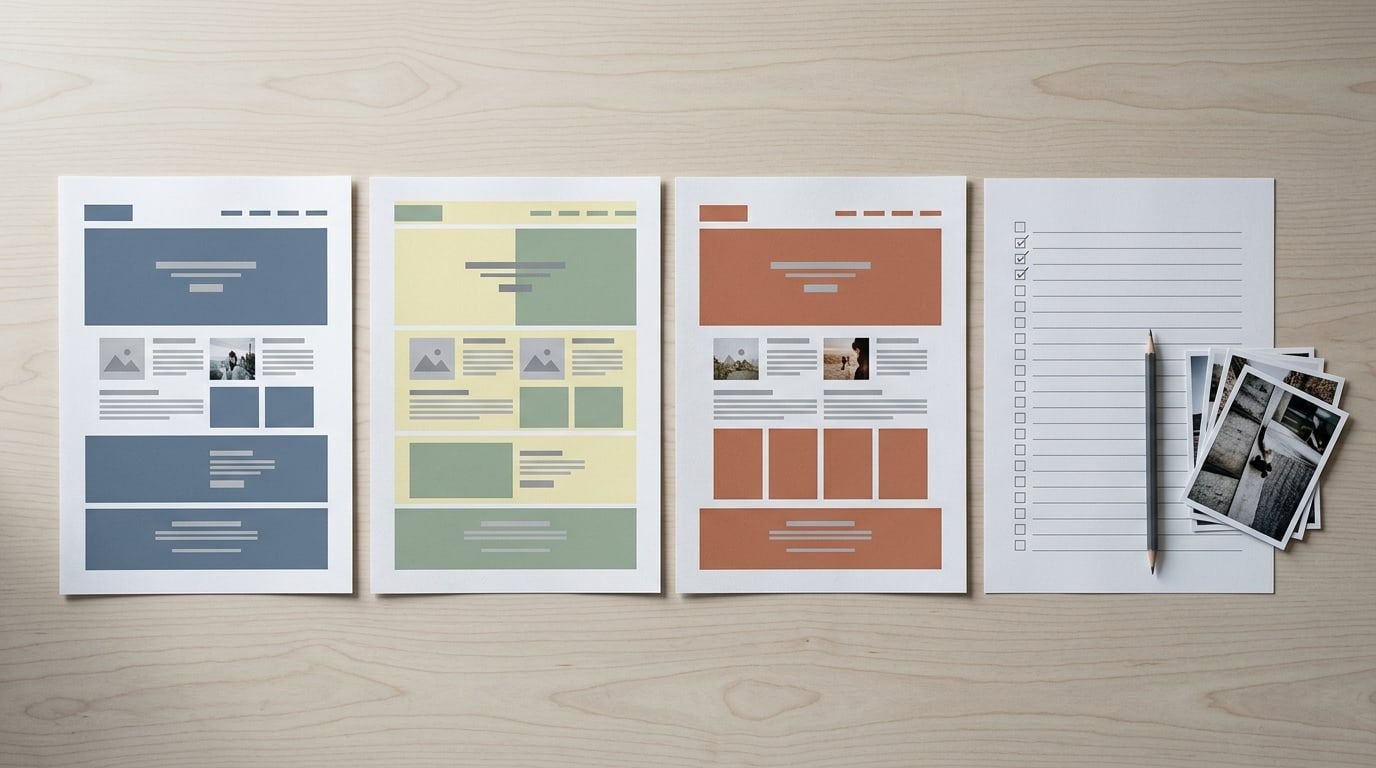
How to choose a website template: a first-timer’s checklist
Choose a website template by its look, then test it with your own photos and your longest page, open it on your phone and add up what year two costs.
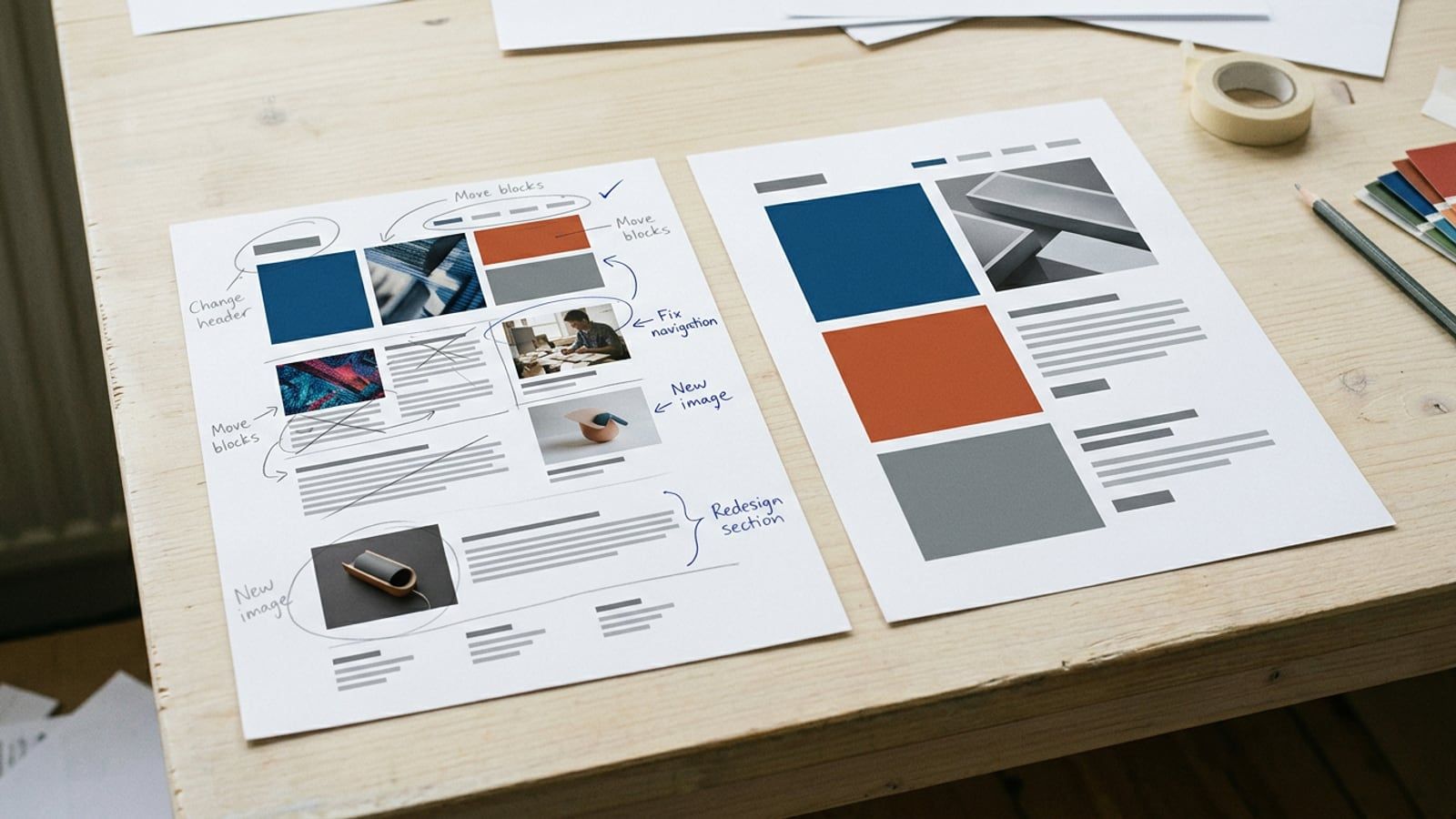
How to switch WordPress themes without breaking your site
A new theme leaves your posts alone but can scatter menus, widgets and CSS. Back up, list what the old theme does, preview with your content, then switch.
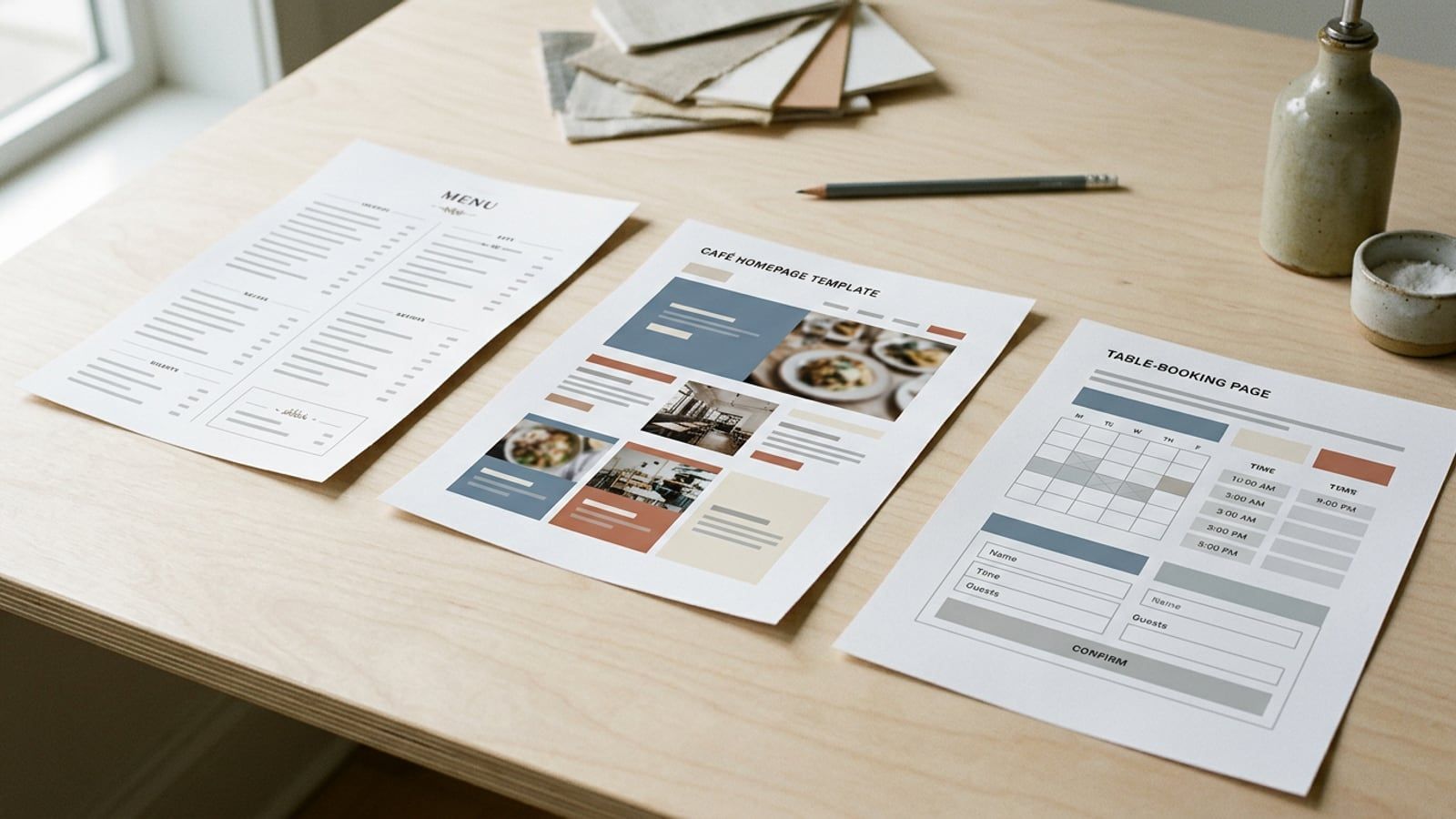
Restaurant website templates: 5 picks and their yearly cost
Five restaurant, café and bakery templates on Squarespace, Wix and WordPress, with what each costs a year after the intro offers and the catch with bookings.