GuidesChapter 2 · Website Builders
What Is a Web Page and How Does It Work?
What is a web page? See how one internet document differs from a website, what goes into a page, and how to plan your site before building it.
In short
A web page is a single internet document that opens in a browser and can contain text, images, video, links, or interactive features; a website is a collection of pages connected under one address. Each page should have a clear purpose, while consistent design and easy navigation help visitors and search engines understand how pages fit together. Plan the site’s look and structure first, then build and improve it one page at a time.
Picture a single sheet of paper pinned to a corkboard. It has a headline, a few photos, a phone number and directions to the shop.
That’s a lot like a web page: one screen of information you open with a click, and you’ve probably landed on hundreds without giving it a second thought.
Here’s the short answer. A web page is one document on the internet, and a website is a group of those pages that share an address and a look.
In this post, we’ll walk through how pages work behind the scenes, what sits on them, and how to go from understanding a page to deciding how your whole site should look before you build it.
What a Web Page Actually Is
Before you pick a look for your site, it helps to know what you’re building. Here’s what a single page is and how it fits into the whole.
One document you open in a browser
A web page is a single document on the internet that you open in a browser, the program that displays it. It holds text, images, video and links that take you somewhere else. It’s built to offer information or a service.
Picture a bakery owner with a specials page. A customer taps the link and sees this week’s menu appear in seconds.
Think of a website as a book
A website is the whole book: a set of web pages joined by links under one address. Each web page is one page in that book, with its own content, so a reader can jump straight to the chapter they need.
What sets each page apart
Each page is defined by its purpose more than its length. It gets its own URL (uniform resource locator, the web address for that exact page), so you can share a link to just the menu.
Some pages also hold interactive elements like forms, where a visitor types in a name and sends a message.
Each page is also saved as its own HTML file (HyperText Markup Language, the code that tells a browser how to lay out the page). A page doesn’t need to be long, though.
It can be one paragraph or a full guide, with text, photos, video or other data inside. One page, one job.
How Web Pages and Websites Differ
People use web page and website as if they’re the same, and that’s where first-timers get tripped up. Knowing the difference shapes what you build before you pick a look.
What counts as a website
A website is a group of linked pages that share a few traits:
- Linked pages. Visitors move from one page to the next.
- One domain name. Everything sits under one address, like yourshop.com.
- A common purpose. The pages serve the same goal.
- Hosted on a server. The files live on a computer that stays online.
Take a florist who builds a shop site. Her homepage, order page and contact page all share one domain, so customers know they’re in the same shop.
How their structures differ
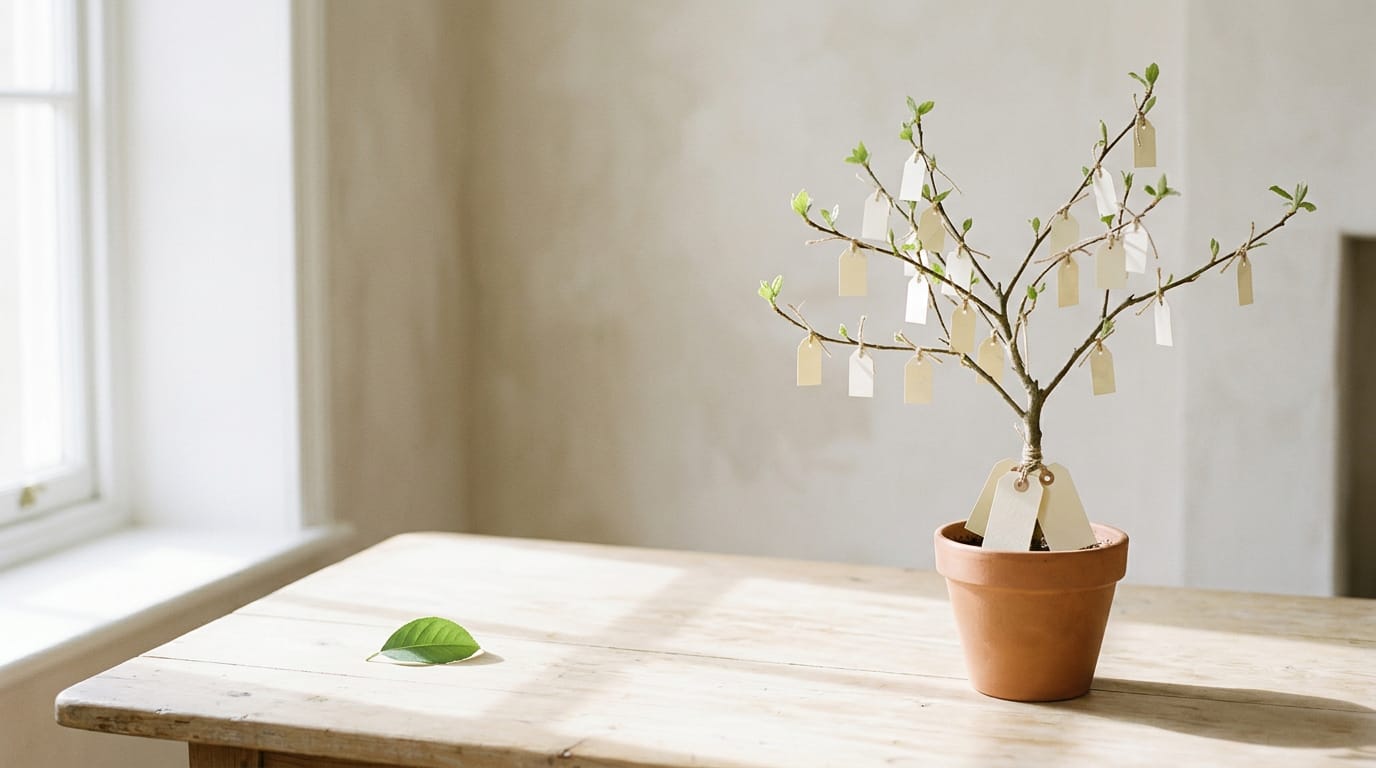
Picture a single web page as a leaf, one piece that hangs on its own. A website is more like a tree, with the homepage as the trunk and other pages branching off it. The core difference: a website is many pages connected together, while a web page is one.
The web address, or uniform resource locator (URL), shows the structure too. yourshop.com/ opens the homepage, while yourshop.com/about opens the About page, so each page gets its own ending after the slash.
A website can also be just one page. A wedding photographer might use a single page for sample photos, prices and a contact form, and it’s still a website.
Why people mix up these terms
Most of the mix-up comes from everyday talk:
- Page vs site. A page is one document, and a site is the whole collection.
- Spelling. ‘Web page’ or ‘webpage,’ ‘website’ or ‘web site’: the spelling differs, but the meaning doesn’t.
- Blog site. A blog site is a website built around dated posts.
When a single page stands alone
Yes, a page can stand alone. Picture a baker taking holiday cookie orders: a single page with a photo, a price list and an order button can do the job. One page is enough to start.
A landing page is a web page built for one action, like signing up for a newsletter. It can stand alone or sit inside a larger site.
A single blog article is a web page too. A reader searching one specific question may land on it without ever seeing your homepage, so each post has to hold up on its own.
How Pages Work Behind the Scenes
Every page you open starts as plain instructions that your browser turns into what you see. Here’s how that happens.
Turning code into the page you see
A web page starts as code, and that code tells your browser what to display. The browser then assembles the page from it, and the code controls the layout, the colors, and the order things appear in.
Think of a yoga instructor checking her class schedule on her phone between sessions. A responsive layout, one that adjusts to whatever screen it’s on, stacks the class times into a single easy column, while the same page on a desktop spreads them out.
The three languages that build pages
Most pages are built with three languages. The first, HTML, stands for HyperText Markup Language.
- HTML sets up the structure, such as headings, paragraphs, and images.
- CSS (Cascading Style Sheets) handles the appearance, such as fonts, colors, and spacing.
- JavaScript adds functionality, such as a menu that opens when clicked.
HTML decides what is on the page, while CSS decides how it looks. Curious what’s behind a page you like? Most browsers offer an Inspect or View Source option, so you can look at the code yourself.
How a page reaches your screen
Every page lives on a web server, a computer that stores its files and hands them out on request. You type a URL (Uniform Resource Locator, or web address) into your browser.
The browser requests the page, the server delivers it, and the browser builds it on your screen. Because the server is online 24/7, your page is ready whenever someone visits, even while you’re asleep. Your page never clocks out.
The Main Parts of a Website
Every website is built from a few core pieces. Some stay hidden, and others are what your visitors see. Here’s what we’ll look at, starting underneath.
The technical pieces under the hood
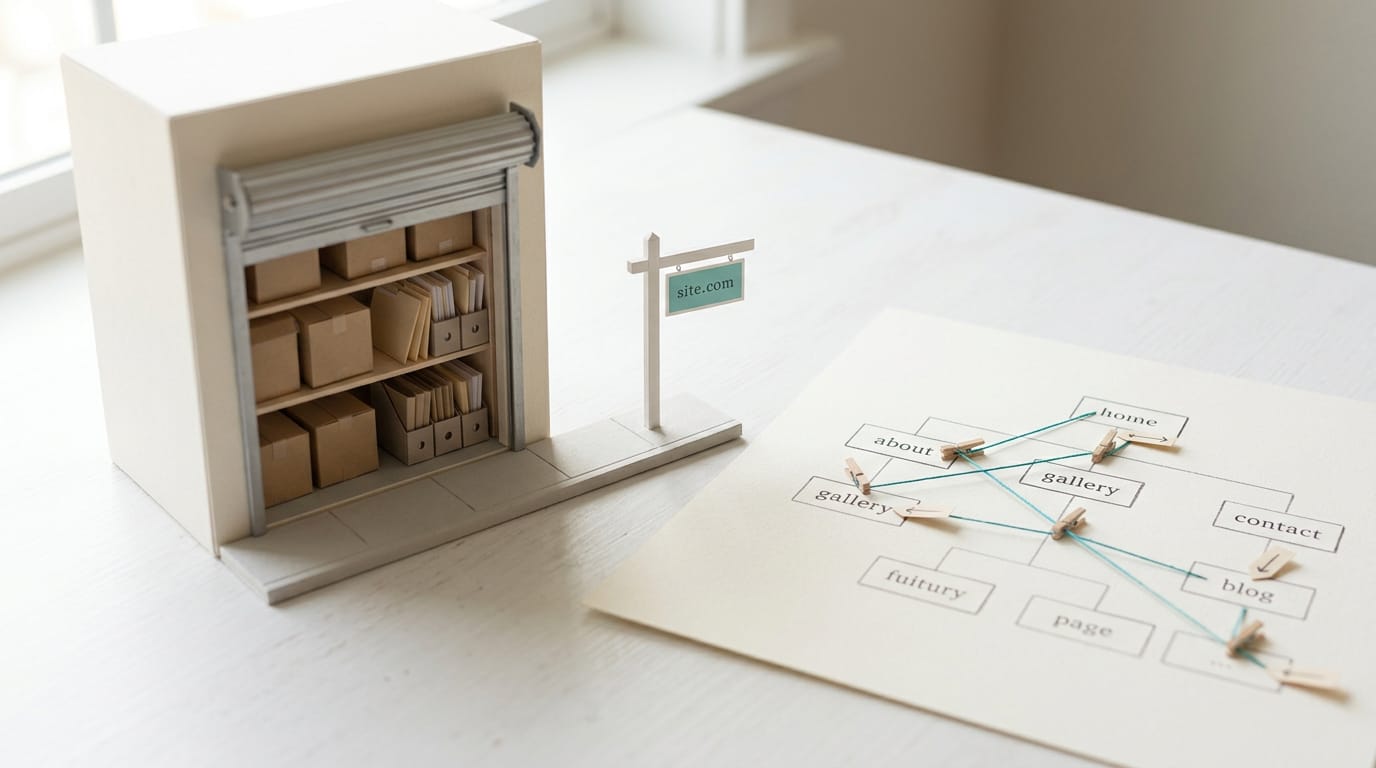
Start with web hosting, the space on a computer called a server where your files live so anyone can open them. Think of it as a storage unit for your site. Your site also needs a URL, the web address people type in, like a street address.
Inside the site, the navigation structure is the plan for how pages are organized, usually shown as a menu. The hyperlinks between pages are the clickable words, buttons, or images that carry someone from one page to the next.
What visitors actually see
The homepage is the first page most people land on, like the front door of a shop. Every page shares the same basic anatomy: a header across the top with your name and menu, a body for the main content, and a footer along the bottom with contact details.
The header and footer repeat, while the body changes from page to page.
Design, layout, and branding decide how all of this looks. Layout is where things sit, design covers colors and fonts, and branding makes the site recognizably yours. Content runs across pages too, so your about page and blog should share one voice.
Then add rich media (images, video, or audio) and interactivity (buttons and galleries that respond when clicked). Start small.
Consider a retired teacher starting a recipe blog. She repeats the same header, colors, and fonts on every page, so readers never wonder whether they’ve wandered onto a different site.
Her menu takes them straight to the recipe index, so dinner ideas are one click away. Clear beats clever.
Kinds of Sites and Pages You’ll Meet
The kind of site you build decides which pages you’ll need.
Prebuilt pages versus generated ones
A prebuilt page is a finished file, served as is. A generated page is assembled on request from a template and your content. The difference is when it gets put together.
Prebuilt pages are quicker and cheaper to host. Generated pages do more work on every visit and usually pull content from a database (organized storage for your content). That extra work costs money.
Updating a generated page means changing text in a dashboard. Prebuilt pages mean editing and republishing a file, which suits a brochure.
Blogs, shops, portfolios, and more
Each kind leans on different pages:
- Blogs add a new page for every post.
- E-commerce sites need product, cart and checkout pages, all fed from stored data.
- Portfolios and brochures show off work or describe a business, usually on a few pages.
- News, social and educational sites publish constantly, from daily stories to member posts.
- Internal portals are private, logged-in areas for staff or members.
Real examples of pages and sites
- Coming soon page: a launch date and email signup. A bakery opening in six weeks can go live now and collect early sign-ups.
- Career page: open roles and how to apply. A design studio hiring its first designer can post one without a full site.
- Event invitation page: the date, place and a reply form in one spot. A community group shares one link, not a stack of emails.
- One-pager site: a whole business on one scrolling page. A freelance consultant with three services can fit them all there.
- Multi-page site: separate pages for home, about, services and contact. A local plumber gives each service its own page.

Why the Difference Really Matters
Once you see a page as its own unit, separate from the whole website, the rest of your planning gets simpler.
What this means for search rankings
Search engines rank pages, not whole websites, so every page you publish gets its own chance to show up for its own topic. A keyword is the phrase someone types into a search box. Optimize keywords per page, not one list for the whole site.
Site structure affects crawling, which is how search engines discover pages by following links. Consider a bakery owner who links her wedding cakes and birthday cakes pages to each other, so search engines get a clear path through the site.
Domain authority is the reputation your domain builds over time, so it’s a long game. User experience is what you control today: a page that loads fast on a phone and reads cleanly gives visitors a reason to stay. Start there.
How it helps teams and marketing
Say you hire a part-time helper who emails that the sign-up page is out of date. You both know exactly which page to open. The same clarity helps in five ways:
- Team communication. Everyone can refer to the same page, so requests stay clear.
- Content organization. Each page covers one job, so new material has an obvious home.
- Consistent branding. Reusing the same fonts, colors and header keeps the site feeling like one business.
- Targeted marketing. A page written for one audience, like local clients hunting for a photographer, speaks to them directly.
- Analytics per page. You can see which pages draw visitors and which get ignored.
Plan the whole site, but measure and improve it one page at a time.
What Are the Steps to Create a Website?
Creating a website takes seven steps in all, and this section covers the page-building part. We’ll show you how pages get made and planned before you ever open a builder.
Build pages without writing code
Many website tools run on templates, which are ready-made page layouts you start from, and builders, which are editors where you add and arrange the pieces. That means you don’t need expert skills to get a page online.
Think of a retired teacher starting a gardening blog: she picks a template, swaps in her own text and photos, and she’s live without writing any code. Later, she can edit, add, or remove sections whenever she likes.
Pick the look before the builder, not the other way around. The look is what you’ll live with longest, and choosing a builder first can quietly narrow your options before you’ve seen what you actually want.
Sketch and plan your pages first
Each page can serve a different purpose, from introducing your work to selling a product, and knowing that early keeps each one focused. Work through it in this order:
- Decide the overall style first, meaning colors, fonts, and layout.
- Plan how your pages connect so visitors can find the next one.
- Sketch each page on paper first.
- Create the pages one by one.
Consider a florist planning a spring sale. She sketches her homepage, shop page, and contact page on paper, then builds them one at a time. Paper is cheap. Rebuilding is not.
A web page is one document you can open in a browser, and a website is the collection of pages that share an address and a look.
Once you can see that pattern, the path forward gets simpler: know what each page needs to hold, then settle on how the whole site should look before you commit to a platform or spend a dollar.
The look sets the tone for every page you’ll ever add, so it’s the right place to start. Get the look right first, and every page you add after will already know where it belongs.
Questions
What is a web page in simple language?
A web page is one document on the internet that you open in a browser. It can contain text, images, videos, and links, and it usually serves a specific purpose.
What is HTML in full?
HTML stands for HyperText Markup Language. It provides the structure of a web page, including elements such as headings, paragraphs, and images.
What are the 7 steps in creating a website?
A practical seven-step website process is: define your goals and audience, plan the pages and their connections, choose a visual style, sketch the pages, select a website builder or platform, create and add content to the pages, then test and publish the site. After publishing, keep the content and pages updated.