Email Thread Meaning: How Threads Work in Your Inbox
Email thread meaning: see how related replies stay together, set up threads in your app, and manage long chains without losing track of replies.
In short
An email thread is a group of related messages that an email app arranges together as one conversation, usually under the same subject line. Replying within the thread keeps the conversation history, participants, and decisions in one place, making messages easier to follow and find. Keep subjects focused, check recipients before replying, and start a new thread when the topic changes to avoid clutter, confusion, or sharing old details unintentionally.
Think of an email thread like a conversation around a kitchen table, where everyone picks up right where the last person left off. You ask a question, a friend answers, and a few replies later the whole exchange sits in one place.
In plain terms, an email thread is a group of related messages that your inbox keeps together, all linked to the same original email.
Here’s what a thread looks like on screen, how it works under the hood, and how to manage and reply to one without losing track.
Email Thread Meaning and How Threads Work
Ever notice your inbox stacking several emails under one subject? Here’s what that stack is, what people call it, and how your app keeps every reply in place.
What a thread actually is
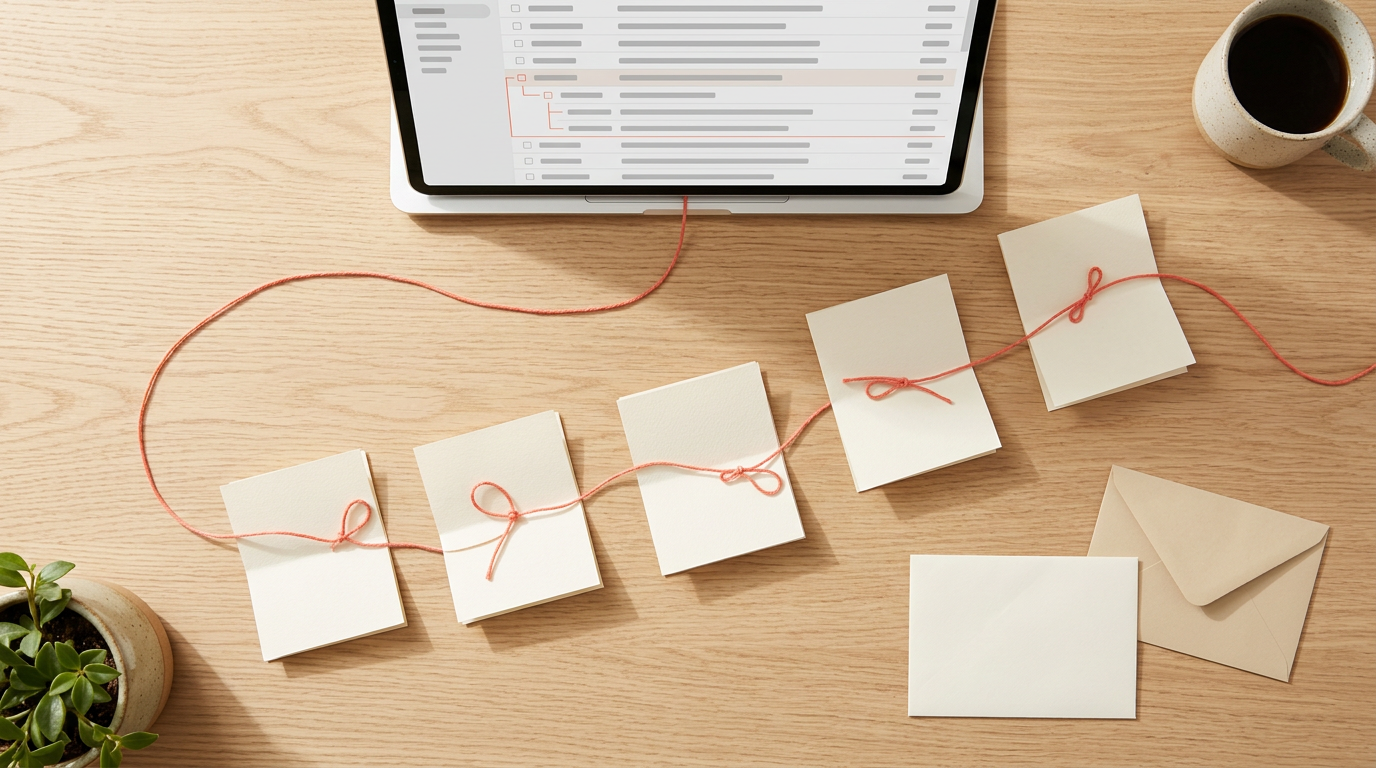
An email thread is a sequence of related emails between two or more participants, arranged in chronological order and grouped under one subject.
Picture a wedding photographer who emails a couple about a shoot date, gets a reply about a second location, and answers that evening. Those three messages form one thread.
Spot it by the count badge, the small number beside the subject line in many apps. A badge showing four means a whole conversation, not one lonely message.
Other names people use for threads
You’ll also hear a thread called a chain, a string, a conversation, or a trail, and people use these interchangeably. If a coworker asks you to forward the string, they want the whole back-and-forth, not just one email.
How replies stay linked together
Every reply stays tied to the message it answers. Here’s what holds the thread together:
- Replies link to the original. Hitting reply attaches your message to the one you’re answering.
- The RE: prefix. Replies carry RE: at the start of the subject line, a quick signal of an answer rather than a new topic.
- The subject line groups messages. Emails sharing a subject stay grouped under it.
- Replies are visible to participants. Everyone in the conversation sees each reply as it arrives.
Behind the scenes, two hidden details do the linking. Each email gets a unique Message-ID, a tag that identifies that one message. Each reply carries an In-Reply-To header, a hidden field pointing to the Message-ID of the email it answers.
Your app reads these to decide what belongs together, and you’ll never see them in the message window.
What does a thread message look like?
Each message in a thread has the same basic parts, and your app stacks them so you can scroll down the conversation. Four pieces tell you what you’re reading:
- Subject line: the shared topic, with RE: added on replies.
- Participants: who sent the message and who received it.
- Timestamps: the date and time each message went out. Timestamps show when each message was sent, so you can follow the order.
- Email content: the message text, which may include earlier replies quoted below.
Which email apps show threads
Gmail, Outlook, Yahoo, and Apple’s Mail app all show threads. An email client, the program you read mail in, that doesn’t support threading shows each message as a separate email.
Threading also depends on the host system, the mail service behind your account, so the same thread can look different from one app to another.
If a coworker sees a neat thread while you see loose emails, check which app and mail service each of you uses before assuming something’s broken. Same emails, different layout.
Real examples of email threads in action
Three everyday cases show threads at work:
- Project kickoff scheduling. A freelance web designer offers a new client three possible start dates. The client picks one, and the agreed date stays easy to find in a single thread.
- Boss asking for input. A boss emails the team for feedback on a new schedule, and every reply lands in the same thread so the answers are easy to scan.
- Research shared for feedback. A retired teacher starting a blog sends her draft to a friend, and the draft and each comment stay together.
Why Email Threads Help You
When replies stack up under one subject line, your inbox builds a thread. Here’s what that grouping gets us all, whether you run a solo shop or a team of five.
Keeping a full record of conversations
Every reply stays attached to the ones before it, so the full conversation history sits in one place. A florist who agreed a delivery date and a price change with a client can reopen the thread and read the exchange top to bottom.
If the client later disputes the date, you can point to the exact message. A new assistant can catch up the same way, and each message is time-stamped, so the order is never in doubt. It’s less about remembering what was said and more about checking it.

Keeping your inbox tidy and grouped
A thread turns a crowded inbox into a shorter list:
- Reduced clutter. One entry replaces a stack of near-identical notifications.
- Related emails grouped. Replies about the same booking sit together.
- Fewer lost emails. A message that slides down the list is still inside the thread you opened.
A freelance designer juggling several client projects keeps each one in its own thread, so her Monday inbox shows clear conversations instead of a jumble. Feedback on a logo never tangles with an invoice question.
Keeping the whole team in the loop
Everyone on a shared thread reads the same messages. A bakery owner, a part-time decorator, and a delivery driver can all follow one thread about a wedding cake change.
The owner posts the new flavor, the decorator confirms the timing, and the driver sees both replies as they arrive, with no forwarding. Feedback and decisions stay attached to the conversation, so nobody has to ask ‘Did you see my email?’
One thread, one answer.
Spending less time hunting for messages
It’s less about finding the right email and more about continuing the right conversation. Replies help too. When you answer inside a thread, your reply joins the conversation instead of starting a fresh email.
A retired teacher with a tutoring blog can answer a parent’s question about lesson times in one line, and the parent sees the whole history right where it was. Less hunting, more replying.
Using customer conversations to improve marketing
Threads also show how customers actually talk. Each customer’s questions and your answers stay together, so you can track the conversation and reply before the customer moves on.
Consider a small candle shop: when several threads ask whether the candles are safe around pets, the owner adds a clear answer to the product page. Adjust what you publish based on what customers actually ask, not what you assume they’ll ask.
Tips for Managing Email Threads Well
Good habits decide whether a thread stays useful or becomes a tangle. Here’s how we’ll keep yours tidy.
Write clear subject lines and update them
A subject line is the first thing people scan, so make it describe the topic in plain words. Your goal is to describe what’s inside, not to entertain.
“Invoice question for March order” tells a busy client what to expect, while “Quick thing!!” tells them nothing. Skip puns and spam-style words like “FREE” or “ACT NOW,” which can make a real message look like junk.
Update it as the thread changes. A freelance photographer whose thread began as “Engagement shoot ideas” should switch to “Engagement shoot: date confirmed, deposit due Friday” once the date is set, so the payment doesn’t get buried.
If your email app lets you edit the subject on a reply, use that to flag urgency.
Keep messages short and easy to scan
Most readers skim, often on a phone, and stop at the first line that tells them what to do. Short wins. Keep these habits in mind:
- Keep it brief. A few short paragraphs usually say enough.
- Summarize key information. Put the main decision, date, or amount in your opening line.
- Use bullets and formatting. Lists make options and dates easy to spot.
- Trim the quoted text. Each reply often carries older messages below it, so delete the parts you aren’t answering.
Choose recipients carefully, especially with Reply All
Every name on a message receives the whole thread, so add people deliberately. Include only those who need to act on the topic or need to know about it. A bakery owner ordering flour doesn’t need her accountant on every reply.
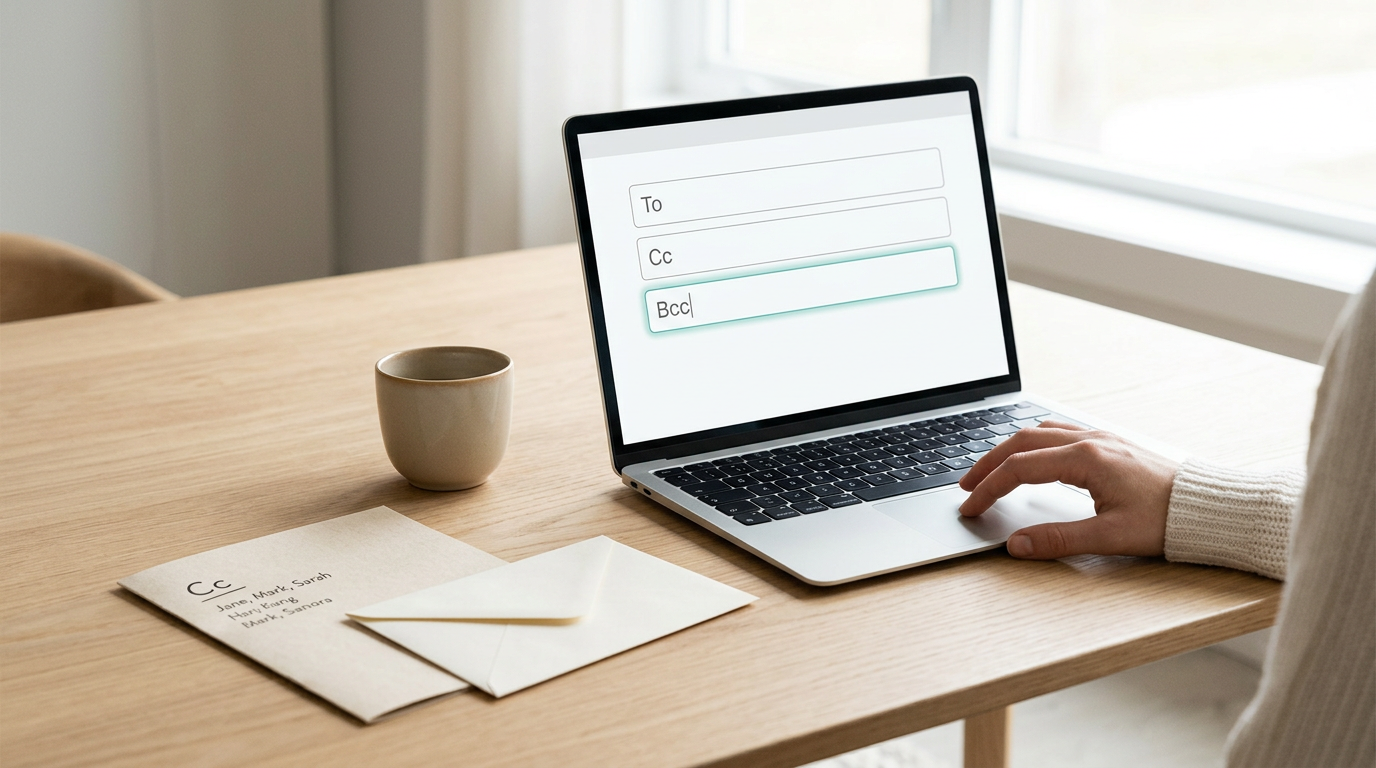
Use a carbon copy (CC) for people who should stay informed without acting, and a blind carbon copy (BCC) to hide recipients from one another. Be careful with Reply All, which sends your response to everyone on the thread.
Scan the recipient list before you click, and use plain Reply when only the sender needs your answer.
Respond quickly and set clear expectations
Silence leaves people guessing, so reply promptly, even if it’s only “Looking into it, back Thursday.” Then make the next step easy to act on:
- Set deadlines and an agenda. For a planning thread, list the topics and the date you need answers by.
- Be specific in requests. “Can you send the logo?” invites a vague reply. “Can you send the logo as an image file by Tuesday noon?” doesn’t.
- Acknowledge receipt. A quick “Got it, reviewing today” tells the sender the file landed.
A church secretary organizing holiday volunteers can name one specific job, a sign-up date, and a clear question in her first message. Replies tend to arrive within a day instead of trickling in for a week.

When a thread is the right tool
A thread shines for ongoing back-and-forth on one topic. Here’s when to reach for something else:
- Start a new thread for a new topic. Mixing unrelated questions into one chain means answers get lost.
- Reply directly for simple matters. A one-off yes-or-no question doesn’t need a thread built around it.
- Consider chat or video. When a topic has bounced back and forth for days, a short call often settles it.
A retired teacher starting her first blog once spent four emails with a web designer on one shade of blue. A five-minute video call would likely have settled it in an afternoon. Sometimes talking beats typing.
Filing and archiving finished threads
Once a topic is settled, move the thread out of your main view. Archiving clears it from your inbox while keeping it findable, and a folder or label keeps related threads together.
Reply to answer, forward to bring in someone new, and archive when it’s closed.
If your inbox fills fast, email management software can help sort and archive threads for you. Clean as you go.
Setting up Threads in Your Email App
Threads only help if your inbox shows them, so we’ll start with one quick settings change.
Turn on conversation view
Conversation view groups related messages so the whole back-and-forth sits together. In Gmail, click the gear icon, choose See all settings, then under General, set Conversation View to On and click Save Changes.
In Outlook, look for a conversation or grouping option in your View settings. If your app doesn’t support threading, each reply shows as its own message, so check first.
Replying is simple once threads are visible. Here’s how:
- Open the thread and scroll to the newest message.
- Click Reply, or Reply all to include everyone on the chain.
- Check the To and CC lines, then write your note.
- Click Send.
Use reply rather than forward to keep the chain together, and save forwarding for someone new.
Adding or removing people on a thread
Typing an address in the CC (carbon copy) field adds someone everyone can see. BCC (blind carbon copy) sends them a copy without showing their address to the others.
To bring someone in, reply with their address added to the To or CC line, so the subject and history stay put. Forwarding instead sends a one-off copy.
To remove someone, click the x beside their name before you send. Just know that Reply all adds everyone back, so check those lines each time.
Picture a bakery owner planning a wedding cake with the client and the venue coordinator. When the coordinator drops off, one click on the x keeps the chain focused.
Muting threads and asking to be removed
Sometimes you just need the noise to stop. In Gmail, open the thread, click the three-dot More menu, and choose Mute. New replies skip your inbox from then on.
If you’d rather leave the chain for good, a short, polite note does the job:
Hi everyone, could you please remove me from this thread going forward? Thanks so much!
Fixing threads that split apart
Threads often split when the subject line changes. Keep the subject the same and the chain usually stays whole.
If a thread breaks anyway, try these fixes:
- Refresh your inbox, since the app may not have caught up.
- Check settings to confirm conversation view is still on.
- Reply with the original subject instead of typing a new one.
Most split threads are a quick fix, not a lost conversation.
Where Email Threads Get Used Most
An email thread is a chain of replies under one subject line. It’s less about sending messages and more about keeping them together.
Work scenarios that rely on threads
- Business and project management: A project lead posts weekly updates in one chain, so latecomers can scroll up to see what was decided.
- Customer support and sales: A bakery owner keeps a custom cake order’s details in one chain, so they’re still there when the customer asks about pickup.
- Education: A teacher sends essay feedback, and the student’s reply sits right below it.
- Contract negotiation: Each round of edits stays visible, so nobody has to hunt through a pile of attachments.
- Professional networking: A freelancer’s follow-up keeps the original introduction right above the new note.
Threads for family, plans, and feedback
Threads help at home, too:
- Family updates and trip planning: A retired teacher planning a reunion keeps the dates, hotels and votes in one thread. Nobody has to ask the same question twice.
- Brainstorming and draft comments: Replies sit under the draft they’re about, so ideas stay tied to the right version.
- Coordinating across time zones: A message sent before bedtime waits in the thread for a friend across the world.
Three common thread types to know
Here are three you’ll see often:
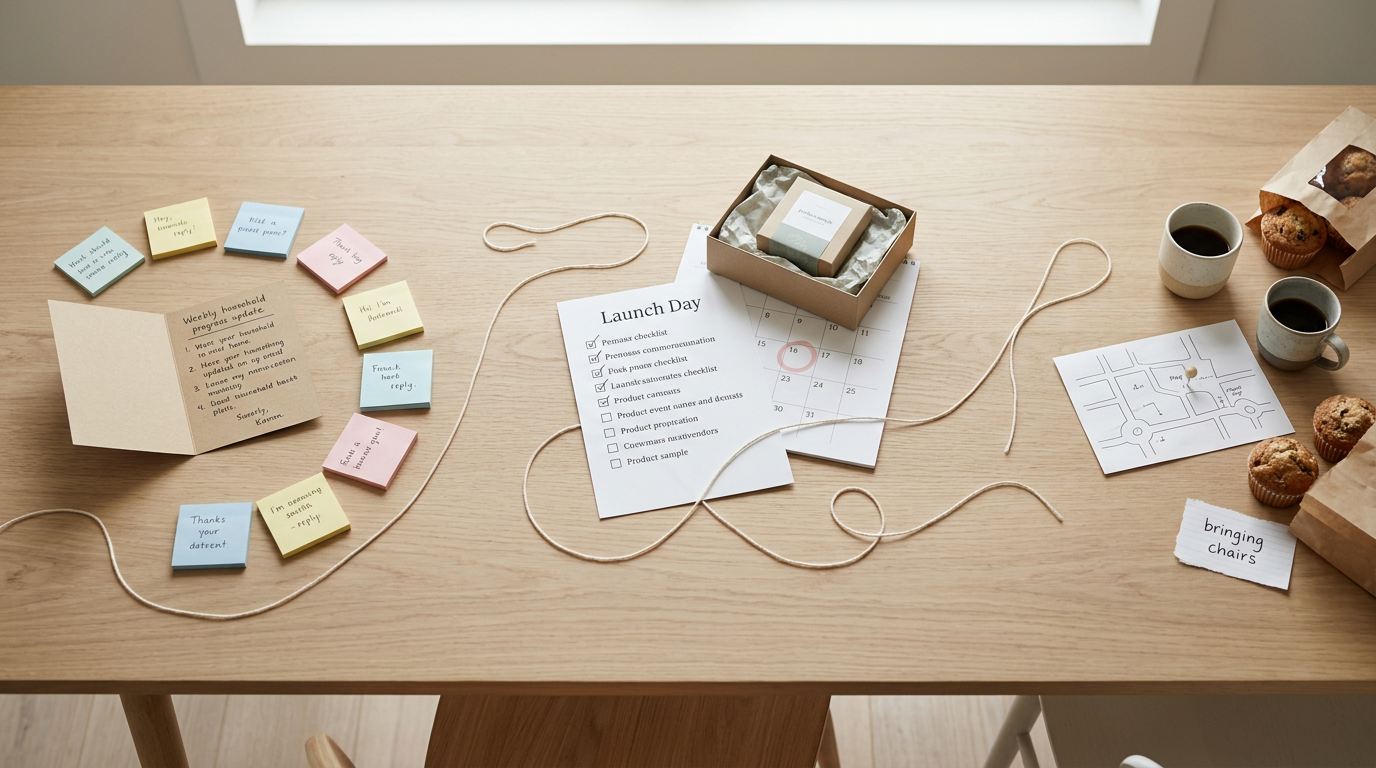
- Conventional update thread: A running chain where a team or household shares progress, like a weekly status note and its replies.
- Event preparation thread: A chain built around one event, like a launch, where tasks and questions collect until the big day.
- Meetup planning thread: A short chain where people agree on a time, place, and who’s bringing what.
Downsides and Risks of Email Threads
Threads come with real trade-offs worth knowing.
Threads that get too long to follow
Every reply lengthens a thread, and one that made sense on Monday can become a maze by Friday. Picture a bakery owner who starts a thread with her flour supplier.
Three replies later, her part-time helper, her accountant and a sales rep are copied, and the one question that mattered is buried near the bottom. A fresh thread with a clear subject line would have kept it on top.
Opening a long thread means scrolling past old messages to find what’s new, and that’s where information overload creeps in. Catching up is the hard part.
You lose track of who said what, and over time email fatigue sets in and you start skipping the thread.
Unrelated people and off-topic messages
Threads also spread past the people who need them. Someone hits Reply All to say thanks, and people with no stake in the decision start getting every follow-up. Their inboxes fill with unwanted messages, and many don’t know how to step out.
A parking side note lands in the middle of a project discussion. Pulled out alone, a reply like ‘Let’s go with option B’ makes no sense if option B was described forty messages earlier. That’s an out-of-context message.
Apps that don’t display threads
Not every app groups messages the same way. Some list each email separately, with no thread view to link related messages. You might see a reply with no sign of the message it answers.
That gap leads to incomplete understanding. You could agree to a deadline without seeing the message where it changed. Before relying on a thread, check that your app shows the full conversation.
Confusion and security risks in threads
Long threads also breed unclear messages. A reply like ‘Sounds good’ means little once the topic has shifted. Before you send, check that your reply stands on its own.
Forwarding can leak private details. A forwarded thread often carries its entire trail, including confidential information. The risk isn’t the message you forward. It’s the history hiding underneath it.
Malicious access is another risk. Anyone who breaks into your account or gets hold of a forwarded copy can read the whole conversation at once. Keep passwords and bank details out of threads.
How Email Chains Work in Marketing
In marketing, “chain” covers a few different things. Here’s how they fit together.
Automated chains that send on triggers
An email sequence, or drip campaign, sends emails in a planned order over days or weeks. A trigger, like someone joining your list, starts each one automatically.
Three common types:
- Welcome emails greet new subscribers.
- Promotional emails announce sales or launches.
- Re-engagement emails win back people who’ve gone quiet.
Consider a bakery owner whose welcome sequence sends a greeting that day and a recipe two days later, freeing up baking time.
Don’t confuse a chain with a thread: you send a chain on a schedule, while people build a thread by replying.
How threading helps marketing results
Personalization means writing to one person’s situation, and a thread keeps that history in one place. A wedding photographer can reply to a client with the booking details in view.
Segmentation sorts your list into groups, and replies help show which group someone belongs to. Lead nurturing is the slow work of earning trust with people who aren’t ready to buy.
Keeping every exchange together lets you track customer conversations, so nobody has to repeat a question they already asked. Context wins.
Chain letters and no-reply email campaigns
A chain letter asks each recipient to pass the message along. It works in three steps:
- Someone sends a message to a few contacts.
- Each recipient is asked to forward it.
- Each forward reaches new inboxes, and the cycle repeats.
Skip it for your business: it reads like spam and can undo the trust you’re building.
A no-reply campaign sends from an address that can’t take answers, hiding the replies that show what’s working. Deliverability means whether mail lands in the inbox or the spam folder, so keep a real reply address.
Once you can spot a thread, your inbox starts to make sense. Those stacked replies stop looking like clutter and start reading like one ongoing conversation you can follow from top to bottom.
Keep the subject line steady, reply inside the thread you’re working in, and take a second to check who’s on the message before you hit send. Those small habits keep everyone on the same page.
A well-kept thread is a conversation with a memory, and that memory is one of the most useful tools in your inbox.
Questions
What is a string in an email?
In email, a string is another name for an email thread: a group of related messages and replies kept together as one conversation. It usually follows the same subject and appears in chronological order.
How do I stop email threads?
To stop receiving thread notifications, use your email app’s Mute option, if available. In Gmail, open the thread, select the three-dot More menu, and choose Mute; to leave a thread entirely, you can also politely ask the participants to remove you.
What does a thread message look like?
A thread message shows the shared subject, sender and recipient information, a timestamp, and the message text. Replies may include earlier messages quoted below, and your email app may stack the messages so you can scroll through the conversation.
If I reply to an email, will they see the entire thread?
Usually, yes. Replying within a thread keeps the conversation history available to its participants, though what they see depends on the email app and whether earlier text is included or quoted in the message. Check the recipients before sending, especially when using Reply All.
What does "mail chain" mean?
A mail chain is a series of related emails connected by replies, often grouped under the same subject. It can also mean an automated series of marketing emails sent in a planned order, so the meaning depends on context.